Best Free AI Tools for Event Planning: What You Can Actually Do Without Paying
2 min read
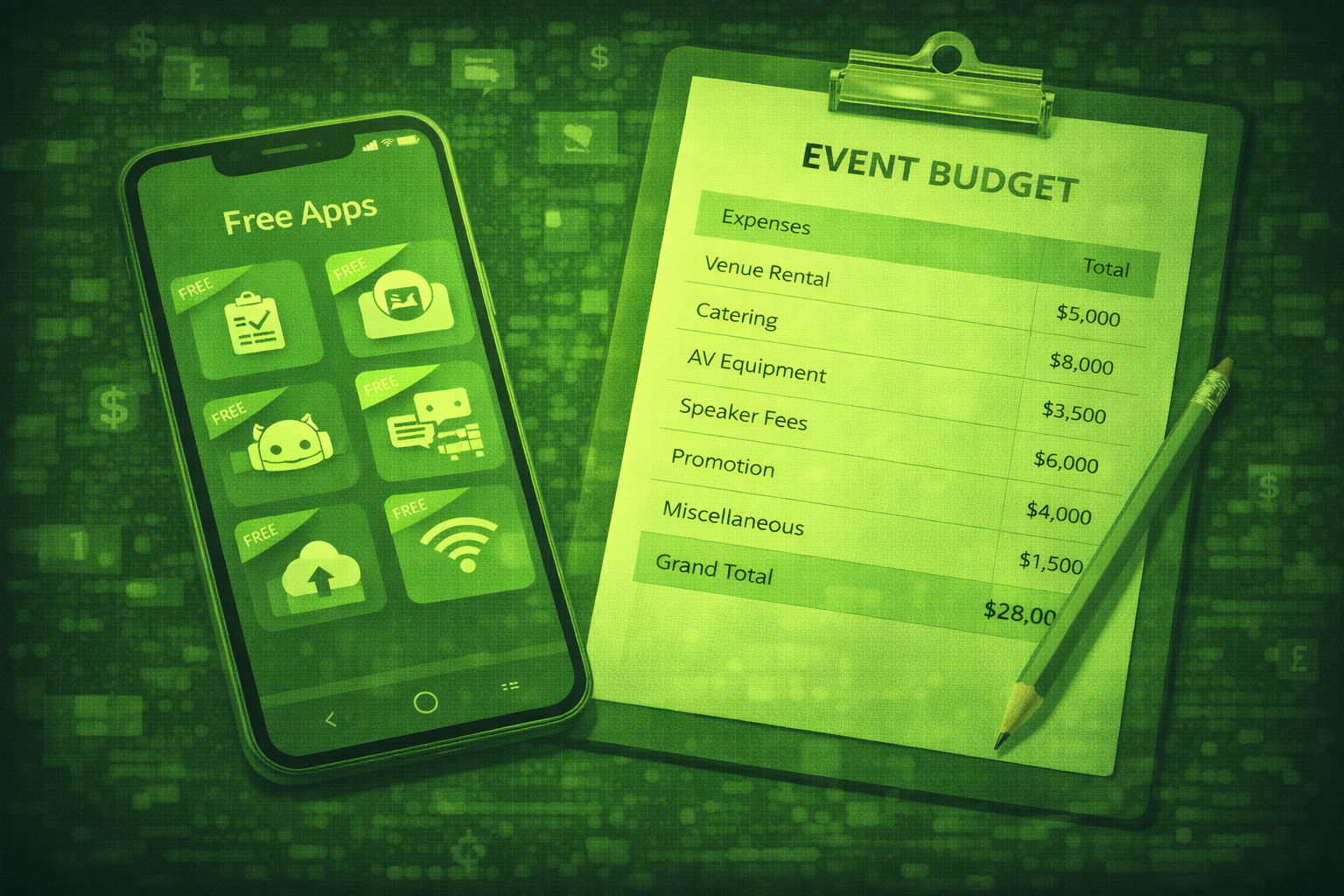
Quick answer
You can cover drafting, long documents, limited transcription, graphics, spreadsheet help, and light website chat with free tiers. Specialist event platforms are still usually paid when you operate at scale.
You can plan many events with free AI tools if you accept limits on usage, features, and support. The honest story: specialist event platforms are rarely free, but general-purpose AI tools are strong for drafting, transcription, and simple graphics.
This guide lists six free-tier tools teams actually use, what each can do for events, and where you will hit walls.
Pair these tools with how to use ChatGPT for event planning, AI chatbots for events when you think about onsite help, and how to use AI to build an event budget when you model costs.
Free tiers change often. Minutes, model access, and export limits shift with product updates. Always confirm current limits inside your account before you promise deliverables to a client. Source: common planner pain point noted across tool changelogs in 2026.
ChatGPT free tier: what you get for event planning
Use ChatGPT for drafts, rewrites, and brainstorming. Free access can be limited at busy times and may cap advanced model use. Keep confidential attendee data out of prompts unless policy allows it.
Claude free tier: better for long documents
Use Claude when you need long context for run books, policy-heavy emails, or dense briefs. Free usage limits still apply.
Otter.ai free tier: transcription with a monthly cap
Use Otter.ai for meeting and session transcription. Free tiers typically cap minutes each month, so plan which sessions you record.
Canva free tier: quick event graphics
Canva helps you build social graphics, simple slide covers, and speaker tiles. The free tier limits premium assets and brand kit depth.
Google Sheets plus Gemini: budgets and timelines
Sheets with Gemini can help you draft formulas, sanity-check totals, and summarise notes. You still own the numbers and should verify every cell that touches a contract.
Tidio free plan: a basic website chatbot
Tidio offers a free tier for light website chat automation. It is not a full event app chat, but it can answer FAQs on a marketing site if you build a tight knowledge base. Compare paid tiers when you need scale.
| Tool | Best free use for events | Common limit |
|---|---|---|
| ChatGPT | Drafts and rewrites | Model access and uptime caps |
| Claude | Long documents | Usage quotas |
| Otter.ai | Transcription | Monthly minutes cap |
| Canva | Graphics | Premium assets locked |
| Sheets plus Gemini | Budget helpers | You verify formulas |
| Tidio | Website FAQ chat | Free tier conversation limits |
A free AI stack for solo planners and small agencies
ChatGPT or Claude for drafting, Otter.ai for a limited transcription budget, Canva for graphics, and Sheets for numbers. Add Tidio only if you need a simple marketing-site bot. Upgrade one layer at a time when limits block delivery.
Free tiers and attendee data
Read retention and training policies before you paste names, emails, or survey text. If you cannot explain where data goes, do not put it in the prompt.
Questions people ask about free AI tools for events
Can I run a whole conference for free?
You can draft and design for free, but registration, onsite operations, and analytics usually need paid platforms at real scale.
Which tool saves the most time?
Most teams save the most hours on drafting and transcription. Pick based on your bottleneck.
Is Claude better than ChatGPT?
It depends on task. Claude is often stronger on long documents. ChatGPT is widely used for quick drafts. Try both on the same prompt.
Can I trust free transcription?
Trust but verify. Edit speaker names and check quotes before public posts.
Do I need Canva if I have ChatGPT?
Yes if you need visual layouts fast. ChatGPT does not replace a design canvas.
What should I buy first when budget opens?
Usually your core event platform or higher transcription minutes, depending on what blocks delivery today.
Final thoughts
Free tools are a smart way to learn workflows. They rarely replace a full event stack when stakes and scale go up.
Related posts
Keep reading
Best AI Tools for Corporate Event Planning: Enterprise Features Worth Paying For
Corporate events need SSO, audit trails, CRM ties, and governance. Cvent and Bizzabo lead for many enterprises. EventMobi fits mid-market. Swapcard scales networking.
Whova vs Cvent vs Bizzabo: Which AI Event Platform Is Right for You in 2026?
Whova leads on mobile attendee experience. Cvent leads on enterprise scale and hospitality ties. Bizzabo leads on brand-led conferences and analytics.
Best AI Tools for Event Planning in 2026: The Top 8 Platforms Compared
The best AI tools for event planning in 2026 mix drafting assistants with registration, apps, networking, and transcription. No single tool covers everything. Most teams run two or three systems.