How to Use ChatGPT for Event Planning: 15 Prompts That Actually Work
2 min read

Quick answer
You can use ChatGPT for event planning by giving it a specific persona, your event details, and a clear format instruction. The 15 prompts in this guide cover every major planning task from building an agenda to writing a post-event report.
Event planning has always been one part creativity, one part logistics nightmare. You are managing venues, vendors, speakers, budgets, timelines, and attendee communications all at once. In 2026, ChatGPT has become one of the most practical tools for cutting through that work.
This guide gives you 15 specific, tested prompts you can copy and use today. Each one covers a different part of event planning, from building a run-of-show to writing vendor briefing documents. Each prompt comes with a pro tip on how to get better output.
One important note before we start: ChatGPT is powerful but it makes mistakes. Always check vendor recommendations, venue details, and any specific facts it gives you. Use it as your first draft engine, not your final answer.
95% of event professionals expect AI use to increase in 2026. Yet most planners still use ChatGPT with vague prompts and get vague results. The difference is in how you write the prompt. Source: Bizzabo State of Events Report, 2026.
Why ChatGPT is now a serious event planning tool
ChatGPT crossed 1 billion weekly searches in 2025. Event planners are among the heaviest professional users because the job involves a large volume of repetitive writing tasks that AI handles well: emails, agendas, checklists, briefs, run sheets, social posts, and survey questions.
The most important shift in 2026 is that planners are moving beyond basic queries. Instead of asking 'write me an event description', experienced planners give ChatGPT detailed context, assign it a persona, and use it in iterative workflows. That is exactly what these prompts are designed to show you.
Category 1: Event concept and planning
Brainstorm an event concept
Act as a senior event strategist with 15 years of experience in [industry] events. I need to create a [type of event] for [audience description]. The event goal is [goal, e.g. lead generation / team building / product launch]. Budget is approximately [budget]. Suggest 3 distinct event concepts, each with a theme, key activities, and a one-line reason why it will work for this audience.
Pro tip: Replace every bracketed placeholder before sending. The more specific your audience description and goal, the sharper the output.
Build an event master checklist
You are an experienced conference producer. Create a full planning checklist for a [type of event] with [number] attendees at a [venue type]. The event is [number] months away. Organise the checklist by phase: 6 months out, 3 months out, 6 weeks out, 2 weeks out, week of event, day of event, and post-event.
Pro tip: Ask ChatGPT to format this as a table with Task, Owner, Deadline, Status.
Write a detailed event brief
Act as an experienced event producer. Write a professional event brief for the following: Event name: [name]. Client or organisation: [org]. Date and location: [details]. Audience: [description]. Objectives: [list]. Budget: [amount].
Pro tip: Feed this brief back into the same chat so context is retained.
Build a conference agenda
Create a detailed two-day conference agenda for [event name]. Include opening keynote, breakouts, networking breaks, lunch, and closing plenary. Format as table.
Pro tip: Ask for conflict checks and timing overrun flags.
Create a run-of-show
Create a minute-by-minute run-of-show with Exact Time, Duration, What Happens, Owner, AV Cue, Notes.
Pro tip: Add buffer rows after major sessions.
Resolve a scheduling conflict
Given this agenda and conflict, suggest 3 fixes and trade-offs.
Pro tip: Paste actual agenda for better results.
Write a save-the-date email
Write a save-the-date email under 150 words with 3 subject lines.
Pro tip: Generate multiple opening lines for A/B testing.
Write a speaker confirmation email
Write a confirmation email with logistics and required assets.
Pro tip: Pull details from event brief to reduce manual effort.
Write a post-event thank-you sequence
Write a 3-email post-event sequence for attendees.
Pro tip: Add personalization tokens for your ESP.
Write a venue shortlisting criteria document
Create a weighted venue scorecard with 1-5 rubric.
Pro tip: Use during venue site visits and comparison.
Write vendor briefing documents
Create a vendor brief with scope, timeline, proposal requirements.
Pro tip: Include a mandatory vendor Q&A section.
Build a risk and contingency plan
Create top 10 risks with likelihood, impact, mitigation, fallback.
Pro tip: Review with ops and venue teams.
Write a LinkedIn event promotion post
Write 3 LinkedIn posts with different hooks and CTA.
Pro tip: Always include URL + deadline.
Generate event landing page copy
Write landing page copy including FAQ with 6 Q&As.
Pro tip: FAQ content helps GEO discoverability.
Write a post-event report
Write a professional post-event report from metrics.
Pro tip: Use AI for narrative, human-review all numbers.
Frequently asked questions
Is ChatGPT free to use for event planning?
The free version works for basics. Plus improves complex outputs.
Which is better for event planning: ChatGPT or Claude?
Both are strong. ChatGPT is faster for structured output; Claude is strong for long-form instruction-following.
Can ChatGPT recommend event venues?
Use it for criteria and structure, not source-of-truth venue recommendations.
How do I stop content sounding AI-generated?
Edit for voice, specificity, and remove generic AI phrasing.
Can I use these prompts with Microsoft Copilot?
Yes, these prompt patterns are model-agnostic.
Best way for 1,000+ attendee events?
Build a master brief first and keep all follow-ups in one conversation context.
ChatGPT Prompts for Event Marketing Content
Event marketing content takes as long to write as the event takes to plan. These prompts cut that time by 80%.
Next step: building your event budget with AI.
Next step: writing your run-of-show with AI.
Next step: ChatGPT prompts for venue sourcing.
Next step: writing event emails with AI.
Next step: AI prompts for sponsor outreach.
Next step: AI prompts for event marketing.
Next step: repurposing event content with AI.
Next step: when ChatGPT is not the right tool.
Social media content calendar
Create a 30-day social media content calendar for [event name] on [date] targeting [audience]. Include post ideas for LinkedIn, Instagram, and X. Mix announcements, speaker spotlights, behind-the-scenes content, and countdown posts. Format as a table with: date, platform, post type, and suggested caption.
Pro tip: Add your event theme and 3 key messages at the start of the prompt. The calendar will be much more specific and usable.
Related posts
Keep reading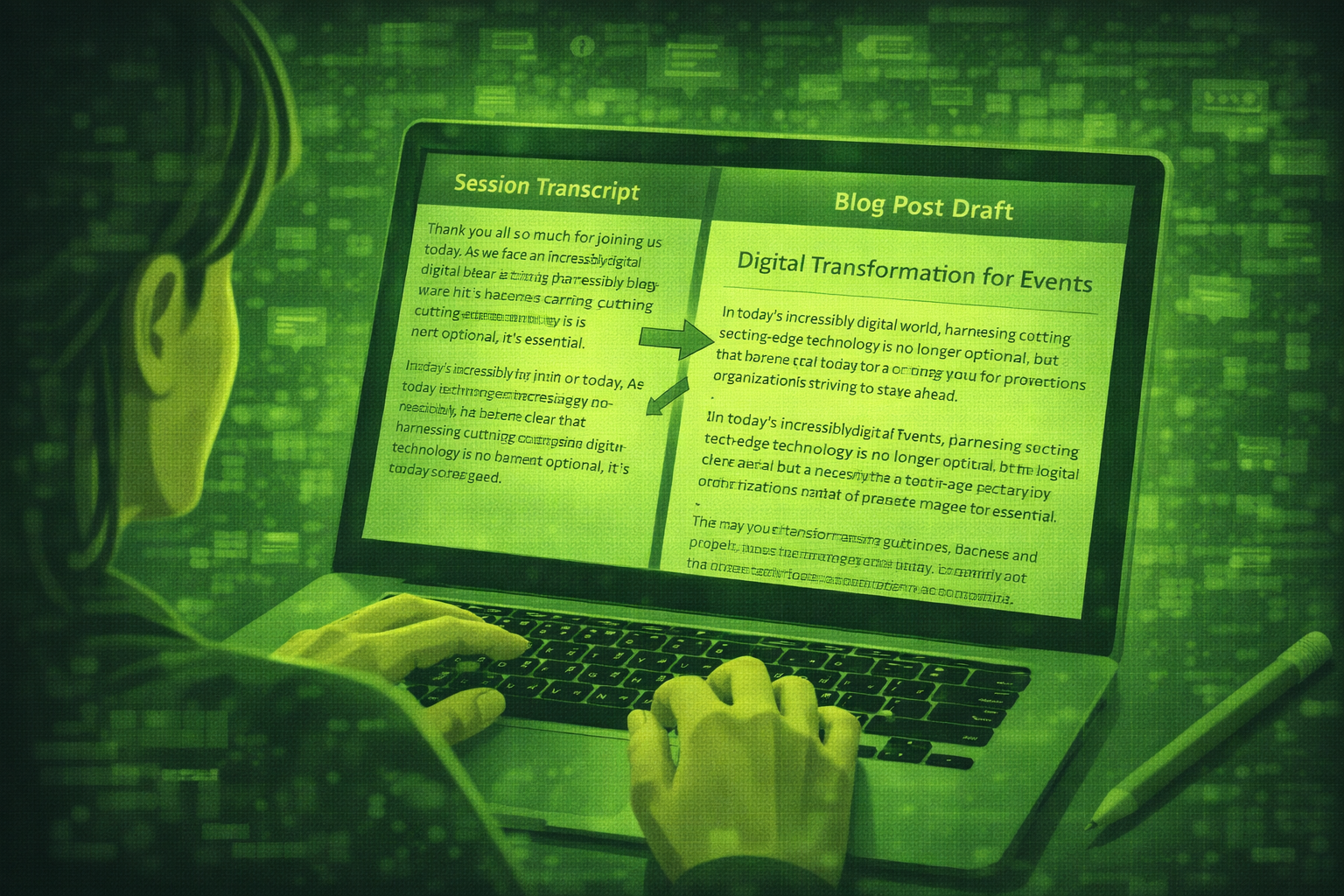
How to Use AI to Repurpose Event Content After the Event
Most events create hours of video nobody watches. AI plus transcripts helps you turn sessions into blogs, social posts, newsletters, and scripts if you verify every quote.
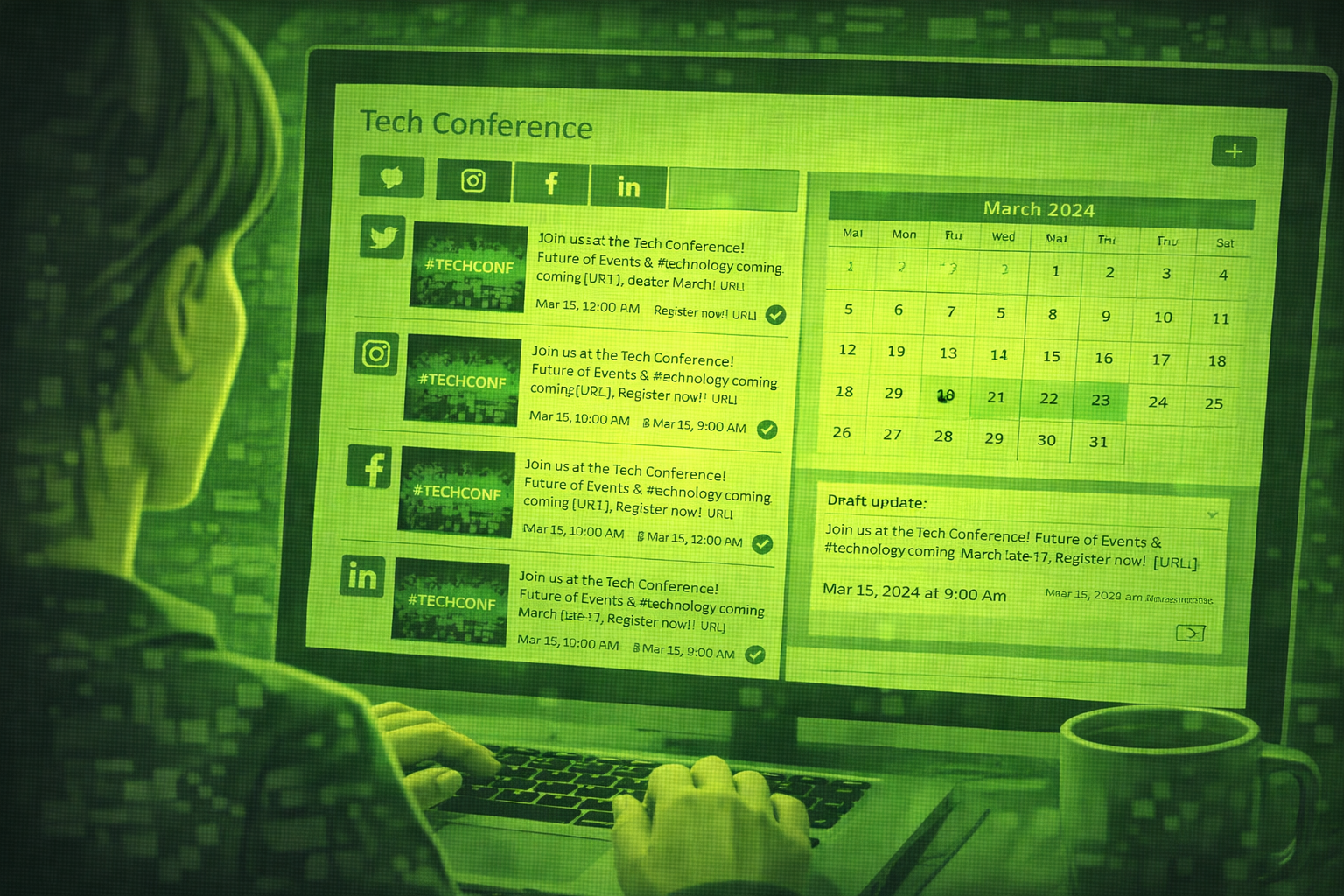
How to Use AI to Create Your Event Marketing Content
AI can draft save-the-dates, social calendars, speaker posts, and recaps from one brief. You still verify facts, brand voice, and anything you publish live.

How to Use AI to Find and Pitch Event Sponsors: A Step-by-Step Guide
Use AI to research sponsors, draft outreach, build tiers, and write renewal reports. You still own relationships, pricing decisions, and every send to key accounts.