AI Chatbots for Events: How to Set One Up for Your Next Conference or Trade Show
8 min read
Quick answer
AI chatbots for events answer attendee questions automatically about schedules, venue logistics, and registration. The best AI chatbots for event support in 2026 include Tidio, Intercom, EventMobi, Drift, and custom GPTs built on ChatGPT.
At every event, the same questions get asked hundreds of times.
What time does registration open? Where is room 3B? Is there parking nearby? What is the Wi-Fi password? Your registration team, your event app, and your inbox all get hit with the same things over and over. An AI chatbot handles all of it automatically, 24 hours a day, without getting tired or repeating itself.
This guide explains what event chatbots are, what they are good at, which tools to use, and how to set one up from scratch for your next conference or trade show.
AI-powered chatbots at events report handling up to 40% of guest enquiries instantly. Exhibitors using AI chatbots at trade show booths report up to a 45% lift in attendee engagement. Source: Ticket Fairy, 2026 and Trade Show Labs, 2026.
What is an event chatbot?
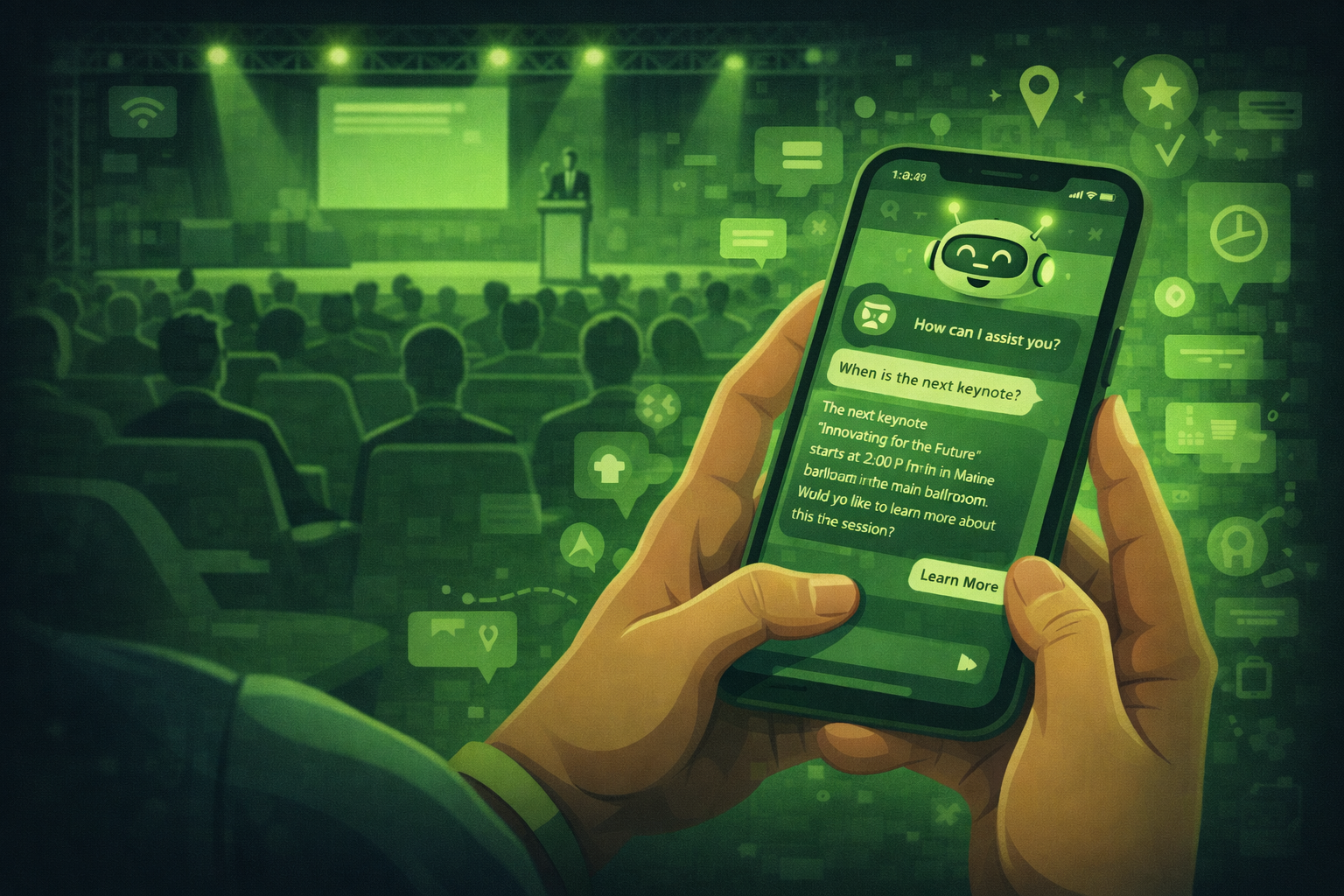
An event chatbot is a piece of software that answers questions from attendees automatically. It lives on your event website, in your event app, or on a messaging platform like WhatsApp. Attendees type a question and the chatbot gives an instant answer.
Older chatbots worked by matching exact keywords. If you asked 'where is the toilet' and the bot only knew 'bathroom', it could not help. Modern AI chatbots understand natural language. They can handle questions phrased in many different ways and give useful answers to questions they were not specifically programmed to handle.
Chatbot vs AI agent: what is the difference?
A chatbot responds to questions. An AI agent can take actions: it can register someone, book a meeting, update a record, or send an email on its own. In 2026, most event platforms are somewhere between the two. For this guide, we use chatbot to mean any AI system that handles attendee queries, whether it just answers questions or can also take simple actions.
What are event chatbots good at?
Event chatbots do their best work on questions that are repetitive and have a clear answer.
Event logistics: times, locations, room numbers, directions, parking
Programme information: session descriptions, speaker bios, agenda changes
Registration queries: ticket types, refund policy, dietary requirements
On-site help: Wi-Fi passwords, cloakroom location, catering options
Lead capture: asking qualifying questions and saving answers to your CRM
What chatbots are not good at:
Handling complaints or sensitive situations that need empathy
Questions that require real judgment or context the bot was not trained on
Conversations where the attendee is confused or upset
Always give the chatbot a clear way to hand off to a human. If an attendee types 'I need to speak to someone', the bot should immediately provide a name, phone number, or direct them to the information desk.
The best chatbot tools for events in 2026
You do not need to build a chatbot from scratch. Several platforms make it easy to set one up without any coding.
EventMobi
EventMobi has built-in AI agents that can call registrants the night before an event to confirm attendance and answer questions. They also handle attendee communications and session updates automatically. Good choice if you are already using EventMobi as your event platform.
Tidio
Tidio is a general-purpose AI chatbot platform that works well for event websites. You can train it on your event FAQ document, your programme, and your venue information. It sits as a chat widget on your website and handles questions before, during, and after the event. Free plan available for small events.
Intercom
Intercom's Fin AI agent is one of the most capable on the market. It handles complex questions well and escalates to a human when needed. Better suited for larger events or organisations with existing Intercom accounts. Costs more than simpler options.
Custom GPT (ChatGPT)
If you have a ChatGPT Plus or Team account, you can build a custom GPT trained on your event documents. Upload your FAQ, programme, venue guide, and speaker bios. Share the link with attendees. This is the quickest and cheapest option for planners who want to try a chatbot for the first time.
Drift
Drift works well at trade show booths and exhibition stands. Attendees scan a QR code and the bot walks them through a product demo, qualifies them as a lead, and flags high-value visitors to your booth team. Good for exhibitors at trade shows who need to manage high volumes of booth visitors.
How do AI chatbots for event support work differently to website chatbots?
A general website chatbot is trained to handle customer service queries about a product or service. An event support chatbot is trained specifically for one event. It knows your venue layout, your session schedule, your speaker list, your Wi-Fi password, and your catering options.
This specificity is what makes event support chatbots so effective. Attendees are not asking general questions. They are asking very specific, time-sensitive questions on the day of the event. 'Which room is the keynote in?' 'Has the 2pm session been moved?' 'Where do I collect my lanyard?' These questions have exact answers and a well-trained event chatbot handles them instantly.
The other key difference is volume. A customer service chatbot handles queries spread over days and weeks. An event support chatbot handles hundreds of queries in a 4-hour window on event day. Make sure the platform you choose can handle concurrent conversations without slowing down.
What event support chatbots handle most
Based on common event chatbot deployments, the most frequent query types on event day are: room locations and directions (about 35% of queries), session schedule changes or confirmations (about 25%), Wi-Fi and app access (about 20%), and registration or badge issues (about 20%). Train your chatbot on all four categories before the event and you cover the vast majority of on-the-day questions automatically.
How to set up a chatbot for your event: step by step
Step 1: Build your FAQ document first
Every event chatbot is only as good as the information you give it. Before you set anything up, write a complete FAQ document covering every question attendees are likely to ask. Group questions into sections: getting there, programme, registration, on-site, speakers, and general.
Check your inbox from previous events for the questions people actually asked. That is your starting point. Add 20 to 30 questions minimum. The more complete your FAQ, the fewer gaps the chatbot will have.
Step 2: Choose your platform and train the bot
Upload your FAQ document, your event programme, and your venue guide to your chosen platform. Most tools let you upload PDFs or paste text directly. Some allow you to point the bot at your event website URL and it will crawl the content automatically.
Step 3: Write the bot's opening message
The first thing a person sees when they open the chat window is the bot's greeting. Keep it short, friendly, and clear. Tell them what the bot can help with and how to reach a human if they need one. Example: 'Hi, I am the [Event Name] assistant. I can answer questions about the programme, venue, and registration. For urgent help, message us at [email]'.
Step 4: Add a clear human handoff
Set up a trigger so that when someone types 'speak to a person', 'I need help', or 'this is urgent', the bot immediately gives them a direct contact. Do not let it keep trying to answer when someone clearly needs a human. Nothing frustrates an attendee more than being trapped in a bot loop when they have a real problem.
Step 5: Test it thoroughly before the event
Ask 10 different people to use the chatbot and try to break it. Ask the same question in 5 different ways. Ask it something it should not know. Check what happens when it cannot answer. Fix every gap you find before the event goes live. A chatbot that gives a wrong answer is worse than no chatbot at all.
Step 6: Tell attendees the bot exists
Include a link to the chatbot in your practical info email. Mention it from the stage at the start of the event. Put the QR code on your event signage. A chatbot that nobody knows about does not help anyone.
Do not pretend it is human
Always make it clear to attendees that they are talking to an AI assistant, not a person. In many countries, pretending an AI is human is a legal issue. It also damages trust when attendees work it out, which they usually do. A well-named, clearly labelled bot that says 'I am the [Event] AI assistant' gets better engagement than one pretending to be 'Sarah from the events team'.
Questions people ask about AI chatbots for events
What is an AI chatbot for events?
An AI chatbot for events is a software tool that answers attendee questions automatically using artificial intelligence. It can be placed on your event website, in your event app, or on a messaging platform. It handles repetitive questions about logistics, the programme, and registration so your team does not have to.
How much does an event chatbot cost?
Costs vary widely. A custom GPT built on ChatGPT Plus costs around $20 per month and can handle a basic event FAQ. Mid-range platforms like Tidio have free plans and paid plans from around $29 per month. Enterprise platforms like Intercom are significantly more expensive. For a first-time chatbot, start with a custom GPT or Tidio free plan to test the concept before investing in a paid platform.
Do I need technical skills to set up an event chatbot?
Not for most modern platforms. Tools like Tidio and custom GPTs are designed for non-technical users. You upload your FAQ document, write a few settings, and the bot is ready. No coding required. For more complex integrations with your CRM or event app, you may need some technical support.
Can an event chatbot handle complaints?
It should not try to. Programme your bot to immediately hand off to a human when it detects a complaint, an upset tone, or a request to speak to someone. Chatbots are good at answering factual questions. They are not good at handling situations that need empathy or judgment. Always have a clear human escalation path.
Can a chatbot work at a trade show booth?
Yes. Tools like Drift and Intercom work well at exhibition stands. Attendees scan a QR code on a kiosk or tablet and the bot walks them through a product demo, captures their details, and flags hot leads to your booth team. This handles the volume of questions during busy periods without tying up your staff on basic queries.
AI Chatbots for Trade Show Support
Trade shows have a specific chatbot problem. Hundreds of exhibitors, thousands of attendees, and a support team that cannot be everywhere at once. An AI chatbot handles the repetitive questions (where is stand X, what time is the keynote, how do I get a badge reprint) so your team focuses on the things that need a human.
The best setup for a trade show chatbot is to connect it to your event app and your registration system. That way it can answer attendee-specific questions like "what meetings do I have today" rather than just generic FAQs.
Using an AI Chatbot for Event Attendee Support
An event support chatbot works best when it is set up with three things: your full event FAQ, your schedule and speaker information, and a fallback route to a human for anything it cannot answer.
Tidio and EventMobi both offer event-specific chatbot setups. Tidio is easier to configure for smaller events. EventMobi's AI agents are better for large conferences where the chatbot needs to connect to registration data.
What is the most important thing to get right when setting up an event chatbot?
The quality of the information you train it on. A chatbot is only as good as the FAQ and event data you give it. Spend time building a thorough FAQ document before you touch any platform. Cover every question your attendees are likely to ask, organised clearly. Everything else is secondary to getting this right.
What is an AI chatbot for event support?
An AI chatbot for event support is a chatbot trained specifically on your event data: the venue layout, session schedule, speaker list, and logistics. It handles on-the-day queries from attendees automatically, such as room locations, schedule changes, Wi-Fi details, and registration issues. Unlike a general customer service chatbot, an event support chatbot is deployed for a single event and trained on event-specific information.
Final thoughts
An event chatbot is one of the quickest wins in AI for event planners. It takes a few hours to set up, it handles hundreds of repetitive questions automatically, and your team can focus on the conversations that actually need a human.
Start simple. Build a custom GPT on your next event FAQ document. Share the link with your attendees. See how many questions it handles. That experience will tell you whether a more advanced platform is worth the investment.
Bots are a key touchpoint for remote guests. See chatbots for hybrid events.
See where bots sit in your kit with adding a chatbot to your event tech stack.
Better answers need registration context. Read connecting your chatbot to registration data.
Know the limits before you launch. See what chatbots cannot handle at events.
The next post in this series covers how AI is changing hybrid event management. Subscribe below to get it.
Related posts
Keep reading
The Best ChatGPT Alternatives for Event Planning: What to Use Instead
ChatGPT shines at drafting text. Specialist event platforms shine at registration, onsite ops, and analytics. Match the tool to the job, and pair tools instead of replacing one with another.
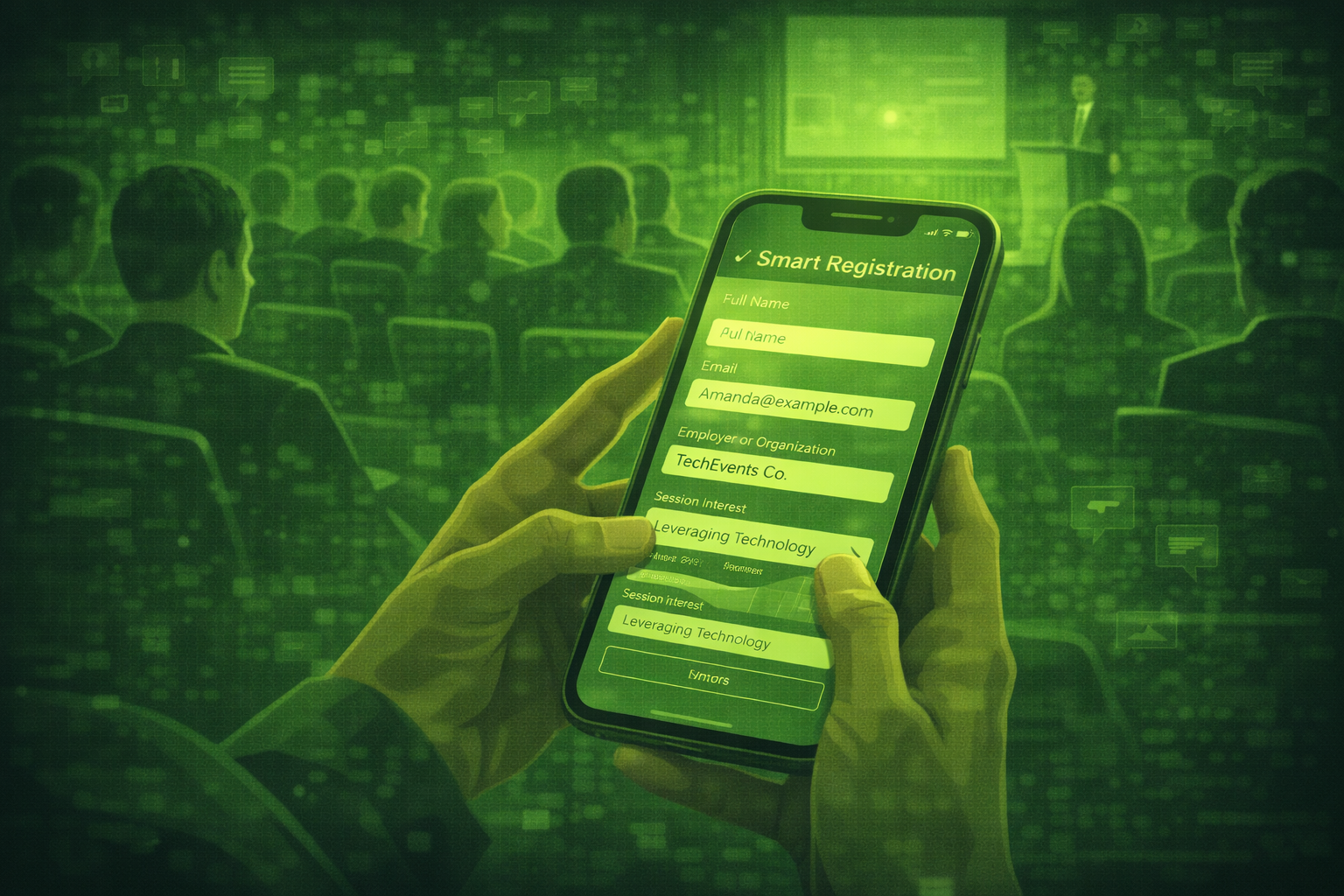
How AI is Changing Event Registration: What Every Planner Should Know in 2026
AI event registration personalises questions, pricing paths, and follow-up emails based on profile signals. You still need clear consent rules and clean data hygiene.

Using AI for Event Speaker Management: From Sourcing to Post-Event Recap
AI can help you source ideas, draft contracts and briefs, and write recap notes. You still own relationships, approvals, and anything that goes on stage.