How to Use AI to Build an Event Budget: Step by Step with Real Prompts
6 min read
Quick answer
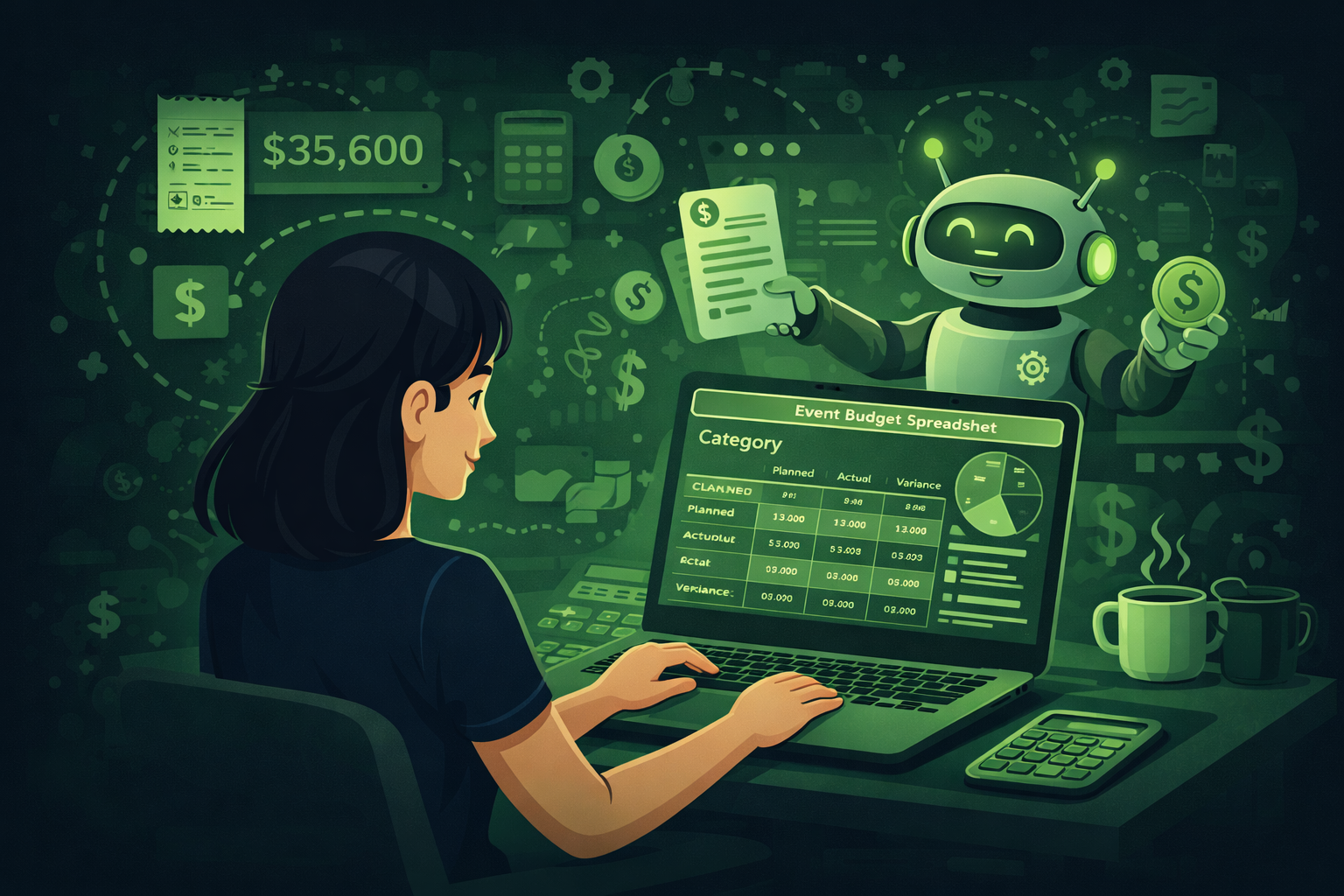
You can use AI to build an event budget by asking ChatGPT to generate your budget categories first, then break each one into line items with estimated cost ranges. The 7 prompts in this guide cover every step from the first draft to tracking spending on the day.
Building an event budget is one of the hardest parts of the job.
You have to think about the venue, food, staff, tech, marketing, and a hundred other things. Then you have to put a number next to each one. And if you get it wrong, you either overspend or your event looks cheap.
The good news is that AI tools like ChatGPT can do a big part of this work for you. They can build your first budget in minutes. They can check if you forgot anything. They can even help you cut costs without cutting quality.
This guide shows you exactly how to do it. You will get step by step instructions and copy ready prompts you can use today. No tech skills needed.
78% of event planners say budget problems are their biggest challenge. AI cannot fix a small budget. But it can make sure you use every dollar well. Source: Eventtia, 2025.
Why event budgets go wrong
Most event budgets go wrong for the same reasons. They are built in a rush. Important costs get missed. The numbers are based on guesses, not research.
Here are the most common budget mistakes:
- Forgetting small costs like printing, parking, or staff meals
- Not adding a backup fund for surprise costs
- Using last year's prices without checking if they went up
- Putting too much in one area and not enough in another
- Not tracking what you actually spend as the event gets closer
AI does not fix all of these on its own. But it is very good at making sure you have thought of everything. It can build a full list of budget categories in seconds. It can flag things you might have missed. And it can help you compare options when you need to cut costs.
Step 1: Start with a budget outline
The first thing to do is get a clear picture of all the cost areas for your event. This is called a budget outline or budget structure.
Do not start filling in numbers yet. Just build the list of categories first. ChatGPT is very good at this.
Get your budget categories
You are an experienced event planner. Create a full list of budget categories for a [type of event] with [number] guests. The event is [in-person / hybrid / virtual]. It will be held at [venue type] in [location]. Include every possible cost area, from big items like venue and catering to small items like name badges and printing. Group them into sections. Format as a numbered list.
Pro tip: Fill in the brackets before you paste this in. The more detail you give, the better the list you get. If you run a lot of events of the same type, save this list as a template and reuse it.
Here is a guide to the typical cost categories and how much of your total budget each one usually takes up:
| Category | What to include | Typical share of budget |
|---|---|---|
| Venue | Room hire, setup fees, breakdown fees, parking | 25 to 35% |
| Food and drink | Meals, coffee breaks, drinks, dietary options | 20 to 30% |
| Audio and visual | Screens, microphones, lighting, tech support | 10 to 15% |
| Marketing | Design, ads, social posts, print materials | 5 to 10% |
| Speakers | Fees, travel, hotels, gifts | 5 to 15% |
| Staffing | Event staff, security, registration team | 5 to 10% |
| Admin costs | Name badges, lanyards, programs, signage | 2 to 5% |
| Backup fund | Reserve for surprise costs | 10 to 15% |
Good to know
The backup fund is one of the most important lines in any budget. A good rule is to keep 10 to 15 percent of your total budget as a backup. Most events need some of it. Some events need all of it.
Step 2: Fill in the line items
Once you have your categories, the next step is to break each one into specific items. These are called line items.
For example, the venue category might have these line items: room hire, AV setup fee, furniture rental, and parking for guests.
ChatGPT can build this full list for you in one go.
Build your full line item list
You are a professional event budget manager. Create a full line item budget for the following event: [type of event], [number] guests, [in-person / hybrid / virtual], held at [venue type]. Total budget is [amount]. Break every cost into specific line items. For each line item, suggest a realistic cost range based on current market rates. Format as a table with these columns: Category, Line Item, Low Estimate, High Estimate, Notes.
Pro tip: Ask ChatGPT to add a column for Priority (Essential, Nice to Have, Optional). This helps you cut costs fast if you need to. You can also ask it to flag which items are usually negotiable with vendors.
One important warning
ChatGPT cannot give you real prices. The numbers it gives are estimates based on its training data. Always check real prices with your actual vendors before you lock in any numbers. Use the AI output as a starting point, not as a final quote.
Step 3: Spot the things you missed
This is one of the best uses of AI for event budgets. You build your first draft, then you ask ChatGPT to check it.
Most planners, even experienced ones, miss a few things when they build a budget. AI is very good at spotting the gaps.
Check your budget for missing items
Here is my current event budget for a [type of event] with [number] guests: [paste your budget here]. Review it carefully. Tell me what cost areas or line items I might have missed. Also flag any items where my estimate seems too low based on typical market rates. Give your response as a clear list with a reason for each point.
Pro tip: Paste your real budget in. The more detail you share, the better the feedback. Do this early in the planning process, not the week before the event.
Common things ChatGPT finds that planners often miss:
- Speaker travel and hotel costs
- Crew meals for staff working long days
- Breakdown and cleanup fees from the venue
- Music licences for background music
- Event insurance
- Accessibility costs such as sign language interpreters
- Wi-Fi upgrade fees at the venue
- Tip and service charges not included in catering quotes
Step 4: Cut costs without cutting quality
You have your budget. Now your client says it is too high. This happens all the time.
Instead of cutting things at random, use AI to find the smartest places to save money. ChatGPT can look at your budget and suggest cuts that have the least impact on the attendee experience.
Find smart ways to cut costs
Here is my event budget: [paste budget]. My client wants to reduce the total by [amount or percentage]. Suggest 10 ways to reduce costs without significantly harming the attendee experience. For each suggestion, tell me how much I could save, what the trade-off is, and whether it is a low, medium, or high risk cut. Format as a table.
Pro tip: Ask ChatGPT to rank the cuts from easiest to hardest to implement. Some cuts look easy on paper but are hard to negotiate with vendors at short notice.
Real example
A planner asked ChatGPT to cut 15% from a 200 person conference budget. ChatGPT suggested moving from a plated dinner to a buffet (saving 18% on catering), removing printed programs and using a digital version instead (saving the full print cost), and switching from fresh flowers to potted plants that guests could take home (same visual impact, lower cost). Total saving: 14%. Time spent: 10 minutes.
Step 5: Track spending as you go
Building the budget is only half the job. The other half is tracking what you actually spend as the event gets closer.
You can use ChatGPT to help you build a simple tracking system.
Build a budget tracker
Create a budget tracking template for an event planner. The template should have these columns: Category, Line Item, Budgeted Amount, Amount Committed (supplier booked but not yet invoiced), Amount Invoiced, Amount Paid, Remaining Budget, and Notes. Add a summary section at the top showing total budget, total spent, and percentage of budget used. Format it as a table I can copy into Excel or Google Sheets.
Pro tip: Copy the table into a Google Sheet. Then use the SUM formula to add up each column. Update it every time you confirm a supplier or pay an invoice. Share it with your client so they can see the current position at any time.
Write a budget update for your client
Write a short, clear budget update email for my client. The event is [event name] on [date]. Here is the current budget position: [paste your tracker summary]. Highlight any areas where we are over or under budget. Suggest any actions needed. Keep the email under 200 words. Tone: professional and clear.
Pro tip: Clients do not want long budget reports. They want to know: are we on track, are there any problems, and what do we need to decide. This prompt gets you that in 60 seconds.
Step 6: Compare your budget to a past event
If you have run a similar event before, you can use ChatGPT to compare the two budgets. This helps you spot if costs have gone up and where your new budget might be out of line.
Compare two event budgets
Here are two event budgets. Budget 1 is from a [type of event] we ran in [year]. Budget 2 is our plan for a similar event this year. [Paste both budgets.] Compare them side by side. Highlight which costs have gone up and by how much. Flag any areas where the new budget looks too low compared to last year. Suggest whether the increases look reasonable based on typical cost inflation in the events industry.
Pro tip: This is very useful when a client asks why the budget is higher than last year. ChatGPT can help you write a clear explanation that shows exactly where costs have risen and why.
Tips for getting better budget results from AI
Here are a few things that make a real difference when you use AI for budget work.
Give it numbers, not just words
Do not just say "a big conference". Say "400 guests, two days, London, hybrid format, 80,000 pound budget". The more numbers you give it, the more useful the output will be.
Use it in the same chat window
Once you paste your budget into a chat, keep working in that same window. ChatGPT remembers what you shared earlier in the chat. This means follow up questions give better answers.
Ask it to explain its assumptions
If a number looks off, ask ChatGPT why it suggested that amount. Say "why did you estimate 5,000 for AV?" It will explain its thinking. Then you can correct it with your own knowledge.
Always check real prices
AI gives estimates, not quotes. Before you send a budget to a client, check the key numbers with your actual vendors. Use AI for the structure and starting point, but trust your suppliers for the final numbers.
Save your best prompts
When you get a great result from a prompt, save it. Build a small library of your top budget prompts. Over time, this becomes one of your most valuable planning tools.
Questions people ask about AI and event budgets
Can AI build a complete event budget on its own?
It can build a strong first draft. It can give you all the categories, line items, and estimated cost ranges in a few minutes. But you still need to check the numbers with real vendors and adjust the estimates based on your location and event type. Think of it as a very fast starting point, not a finished product.
How accurate are the cost estimates that ChatGPT gives?
They are approximate. ChatGPT is trained on a large amount of data including industry reports and budget guides. But it does not know your local market, your specific vendors, or current prices. The estimates give you a useful starting range. Always get real quotes before you finalise any numbers.
What is the best AI tool for event budgeting?
ChatGPT is the most flexible because you can have a back and forth conversation about your specific event. Claude is also very good, especially for longer and more complex prompts. Microsoft Copilot works well if your team uses Excel, because it can help you build and edit budget spreadsheets directly inside Excel. All three work with the prompts in this guide.
Can I use AI to build a budget if I have never planned this type of event before?
Yes. This is one of the best use cases for AI. If you are planning a type of event you have not done before, ask ChatGPT to explain what costs are typical for that format. It will give you a solid overview of what to expect. Just make sure you also talk to vendors who specialise in that event type to validate the numbers.
How do I explain to a client that I used AI to help with the budget?
You do not have to explain it at all. AI is a tool, just like Excel or a calculator. What matters is that the budget is accurate, well structured, and easy to understand. If a client asks, you can simply say you used AI as a starting point and then checked all figures against real quotes from suppliers.
Can AI help me present the budget to a client?
Yes. After you build your budget, you can ask ChatGPT to write a short summary of the key budget decisions and rationale. This is useful for budget approval meetings. It can also help you write answers to questions a client is likely to ask, so you go into the meeting feeling prepared.
Final thoughts
A good event budget is not just a list of numbers. It is a plan that shows your client you have thought of everything.
AI does not replace the skill and experience you bring to that plan. But it does make the work faster and more complete. It helps you build a full structure in minutes instead of hours. It spots the things you might have missed. And it helps you cut costs in a smart way when you need to.
Start with Prompt 1 on your next event. Build your categories first. Then work through each step. By the end, you will have a budget you are confident in and that your client can trust.
Need copy-paste prompts? Start with ChatGPT prompts for event budgeting.
The next post in this series covers how to write a full run-of-show document with AI. It is one of the most time consuming documents in event planning, and AI can cut the work by more than half. Subscribe below to get it.
Related posts
Keep reading
How to Use AI to Repurpose Event Content After the Event
Most events create hours of video nobody watches. AI plus transcripts helps you turn sessions into blogs, social posts, newsletters, and scripts if you verify every quote.
How to Use AI to Create Your Event Marketing Content
AI can draft save-the-dates, social calendars, speaker posts, and recaps from one brief. You still verify facts, brand voice, and anything you publish live.

How to Use AI to Find and Pitch Event Sponsors: A Step-by-Step Guide
Use AI to research sponsors, draft outreach, build tiers, and write renewal reports. You still own relationships, pricing decisions, and every send to key accounts.