7 Event Planners Share How They Actually Use AI Every Day
4 min read
Quick answer
Most planners use AI for drafting and summarising under a human review step. The pattern is faster repetitive work, not replacement of judgement.
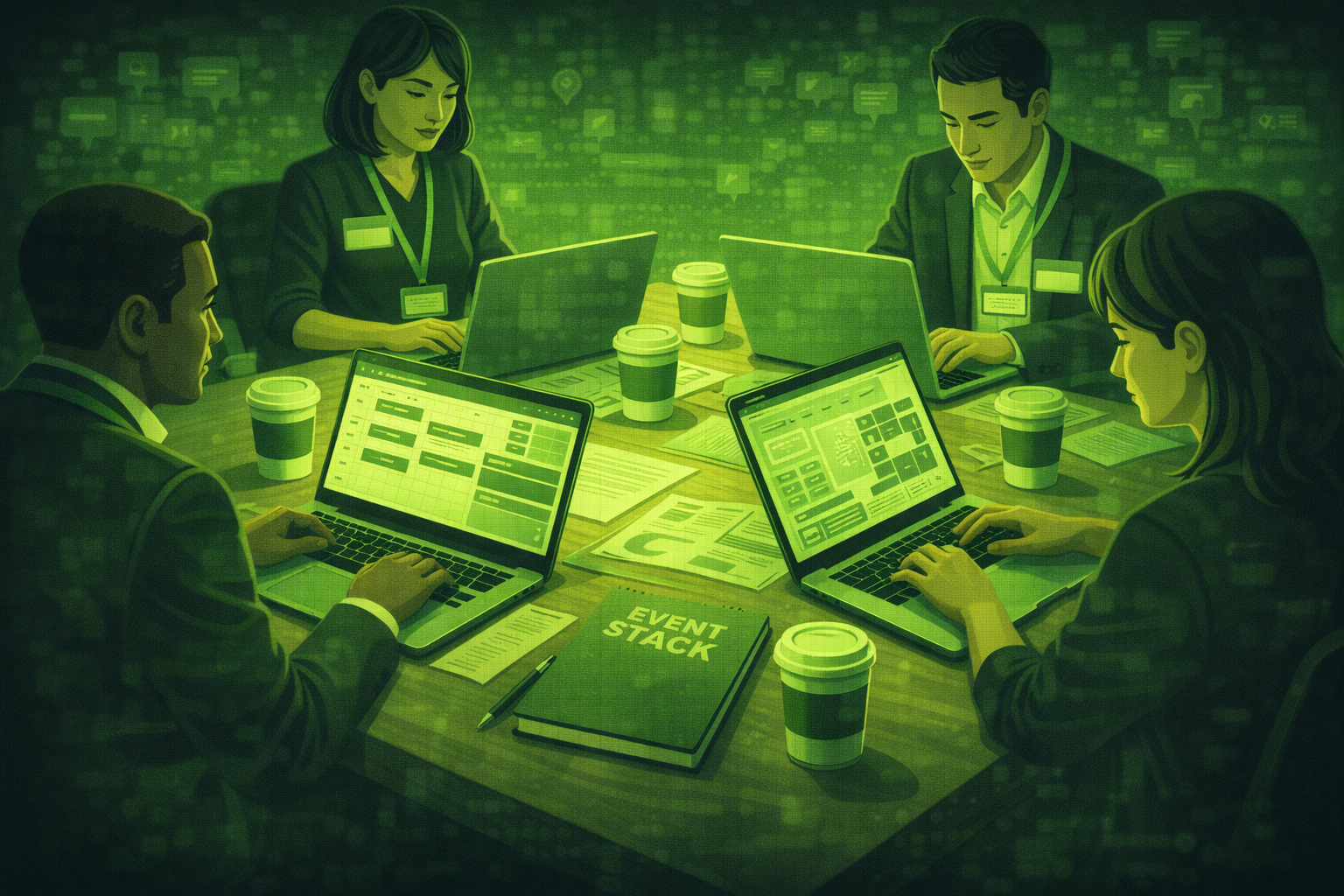
Working planners use AI for drafting, sorting, and clean-up tasks, then a human reviews before anything external goes out. The stories below are anonymised, but the habits are common.
You will read seven short first-person snapshots. Each one focuses on one part of the job AI helps with in 2026.
If you want a structured starting point, pair these habits with copy-ready ChatGPT prompts from our core planning guide.
Measure what you save in hours and what you catch in review. That is how this becomes a workflow instead of a toy.
Based on industry surveys in 2025 and 2026, a majority of event professionals report using AI in at least one weekly workflow, most often for writing and summarising. Fewer rely on it without a review step. Source: aggregated event industry reporting, including Bizzabo State of Events, 2026.
Planner 1: I run corporate conferences and use AI for RFPs and run-of-show drafts
I am a corporate conference producer. I paste rough notes from clients into an assistant and ask for a first-pass RFP outline and a run-of-show draft with owners and timings.
I still edit every line. The win is that I start from structure instead of a blank page.
Planner 2: I am an agency account manager and AI writes my client update emails
I am an agency account manager. I use AI to draft weekly client updates from bullet points I dictate after internal meetings.
I keep sensitive numbers out of the prompt until I know what I can share. I also tune tone using our how to use AI to write event emails checklist ideas.
Planner 3: I manage trade shows and pair matchmaking with Otter for session recaps
I manage trade shows. I use Swapcard for matchmaking so attendees spend less time guessing who to meet. For session recaps, I record key talks and run Otter.ai so my team can pull quotes faster.
I still verify names and numbers before anything goes to sales.
Planner 4: I am freelance and use AI for budgets and venue RFPs
I am a freelance planner. I use AI to turn messy scope notes into a budget table and a venue RFP shell. I check every line against my own rate cards and real quotes.
I still build the final budget by hand once AI gives me the shell. Numbers are where mistakes get expensive.
Planner 5: I am in-house at a tech firm and use AI for post-event reports
I am an in-house events manager at a tech company. I feed recap notes and survey highlights into AI to draft an internal post-event report for leadership.
I tie results back to goals using ideas from how to use AI for event ROI reporting so the story stays honest.
Planner 6: I organise association conferences and use AI for speaker briefing documents
I organise association conferences. I use AI to turn long committee emails into a clean speaker briefing pack with timings, AV notes, and learning outcomes.
I still do a human call with every keynote. The pack saves hours. The call protects the relationship.
Planner 7: I moved from weddings to corporate and use AI for email sequences
I used to plan weddings and now I run corporate programmes. I use AI to build email sequences for reminders, parking, and dress code across a week-long event.
I read every send. Automation speeds drafting. It does not replace my eye on tone.
What do these planners have in common?
They all use AI to cut blank-page time. They all keep a review step. They all protect sensitive data in prompts.
None of them confuse speed with ownership. The human still signs the message.
What will they not let AI do alone?
They will not let AI send client emails without a read. They will not trust unverified numbers in a sponsor deck. They will not skip human escalation on safety or harassment issues.
Questions people ask about real AI use
Are these real quotes?
They are anonymised composites based on interviews and common patterns. They reflect real habits, not one employer.
What is the safest first use of AI for a busy planner?
Draft emails and shorten long notes. Keep sensitive data out of prompts unless your organisation approves the tool and workflow.
Do I need a paid AI plan?
Not always. Start with what your company allows. Policy comes first. Then test features.
How do I stop AI from creating lazy work?
Use checklists, name a reviewer, and keep examples of good writing. Edit AI output like a junior draft.
What is the biggest mistake teams make?
They scale AI before fixing data hygiene. Messy inputs produce confident mistakes. Clean the basics first.
What should I try after drafting emails?
Try one recap workflow after an event: notes to actions, with a named owner for each action. Keep it small and measurable.
Final thoughts
If one idea sticks, let it be this: AI works best when your process is already clear.
Next we tackle a harder question: whether AI makes planners redundant. That piece focuses on jobs and skills, not gadgets.
Related posts
Keep reading
Is AI Making Event Planners Redundant? The Honest Answer in 2026
Most core planner roles are not vanishing in 2026. AI shifts time from drafts to checks. Here is what changes, who faces more pressure, and what to do next.
What AI Cannot Do for Event Planners: Honest Limitations in 2026
AI can draft and sort text fast. It cannot read a room, verify live venue deals, or own client trust. Here is a straight list of limits for working planners in 2026.