How to Use AI for Event ROI Reporting: Prove the Value of Your Events
6 min read
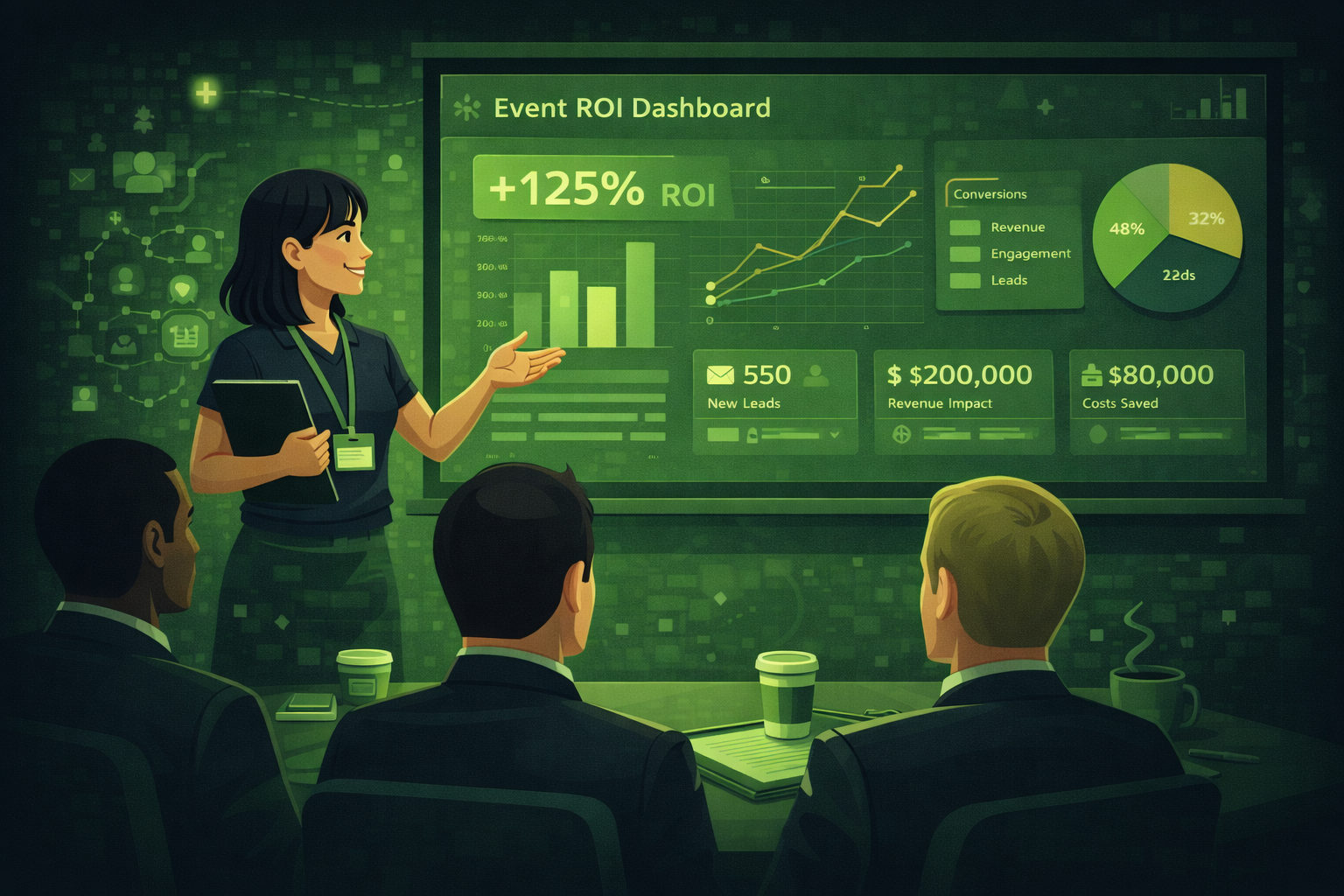
Quick answer
You can use AI for event ROI reporting by giving ChatGPT your event data and asking it to write the narrative, structure the report, and summarise survey feedback. The 6 prompts in this guide cover every stage from defining metrics before the event to writing the sponsor impact report afterwards.
One of the hardest parts of event planning is proving that the event was worth it.
Your client or stakeholder asks: what did we get for that money? And you have a spreadsheet full of numbers, a folder of survey results, and a vague memory of a very busy day. Turning all of that into a clear, credible ROI report takes hours.
AI can do a big part of that work for you. It can help you decide what to measure before the event, build a data collection framework during the event, and write the report after it. This guide shows you exactly how.
40% of event organisers report difficulty proving event ROI in 2026, down from 70% in 2025. Progress is being made, but nearly half of all planners still struggle to connect event activity to clear business outcomes. Source: Bizzabo State of Events Benchmark Report, 2026.
What is event ROI and why is it so hard to measure?
Event ROI is the value your event created compared to what it cost to run. The formula is simple: value divided by cost. But the hard part is deciding what counts as value.
For some events, value is easy to measure. A ticket sales event either made money or it did not. But for most professional events, the value is a mix of things that are hard to put a number on:
- Sales leads generated and how many converted to customers
- Relationships built with existing clients
- Brand awareness and press coverage
- Staff engagement and team morale
- Knowledge shared and learning achieved
- Sponsor value delivered
The other problem is that event data lives in many different places. Attendance data is in your registration system. Survey results are in your email platform. Social media mentions are somewhere else entirely. Pulling it all together into one coherent report is genuinely difficult.
AI helps with both problems. It can help you define what to measure before the event. And it can help you write the narrative around the data after it.
Step 1: Define your metrics before the event
The biggest mistake planners make with ROI is trying to measure it after the event. By then, it is too late. You cannot go back and collect data you did not gather on the day.
Before every event, you need to agree with your client or stakeholder on two things: what success looks like, and how you will measure it. AI can help you build that framework.
Define your event ROI metrics
You are an experienced event strategist. Help me define the right success metrics for the following event.

Event type: [e.g. corporate conference, product launch, client dinner, trade show]
Event goal: [what the client is trying to achieve, e.g. generate leads, retain clients, launch a product, build brand awareness]
Audience: [who is attending]
Budget: [total event budget]

Suggest 8 to 10 specific, measurable metrics I should track. For each metric, tell me: what it measures, how to collect the data, and what a good result looks like for this type of event. Format as a table.
Pro tip: Share this table with your client before the event and ask them to agree on which metrics matter most. This protects you later. If they agreed upfront that 'number of qualified conversations' was the key metric, they cannot move the goalposts after the event and say the only thing that matters is revenue.
The two types of event ROI
It helps to split event ROI into two categories when you are reporting to stakeholders.
| Type | What it measures | Examples | Audience |
|---|---|---|---|
| Financial ROI | Direct money in versus money out | Ticket revenue, sponsorship income, leads converted to sales, pipeline value created | CFO, finance team, board |
| Return on Objectives (ROO) | How well the event met its stated goals | Attendee satisfaction score, net promoter score, session attendance rates, press coverage, social media reach | Marketing director, event team, sponsors |
Most event reports focus only on financial ROI. But for many events, the most important value is not financial. A client dinner that strengthens 10 key relationships may not generate immediate revenue, but it may reduce churn worth 10 times the cost of the dinner.
A good event ROI report covers both types. AI can help you write the narrative around both, even when the data is incomplete.
Step 2: Collect the right data during the event
The data you can report on is limited to the data you collected. Here is what to make sure you capture at every event.
Basic metrics (collect at every event)
- Total registrations vs total attendance (the no-show rate tells you a lot)
- Session attendance numbers if you have multiple rooms
- Post-event survey score (overall satisfaction and net promoter score)
- Total event cost vs budget (actual spend breakdown)
- Social media mentions and reach during and after the event
Advanced metrics (collect when relevant to the event goal)
- Number of qualified leads generated and their estimated pipeline value
- Meetings held (if you used a matchmaking platform)
- Sponsor satisfaction score (from a short post-event sponsor survey)
- Media coverage: number of articles and estimated reach
- Post-event email open rates and click rates
The most overlooked metric
The no-show rate is one of the most useful and most ignored metrics in event planning. If 300 people registered but only 200 attended, that 33% no-show rate tells you something important. It could mean your registration process is too easy, your reminder emails are not strong enough, or your event time or location is inconvenient. Track it every time and compare it across events to see if it improves.
Step 3: Write your ROI report with AI
Once you have your data, the next step is turning it into a report. This is where most planners lose hours. AI can write the narrative in minutes if you give it the right data.
Write a full post-event ROI report
Act as a senior event strategist writing a post-event ROI report for a client. Write a professional report for the following event.

Event name: [name]
Date: [date]
Venue: [venue]
Total budget: [amount]
Total actual spend: [amount]

Key data:
- Total registrations: [number]
- Total attendees: [number]
- Session attendance (top 3 sessions): [data]
- Post-event survey overall score: [score out of 10]
- Net promoter score: [number]
- Leads generated: [number]
- Estimated pipeline value: [amount or leave blank]
- Social media reach: [number]
- Any other key data: [add here]

Structure the report with these sections: Executive Summary, Event Objectives vs Outcomes, Key Metrics Summary, Financial Overview, Attendee Feedback Highlights, What Worked Well, Areas for Improvement, Recommendations for Next Time. Write in a confident, professional tone.
Pro tip: Paste your raw data in as bullet points. You do not need a perfectly formatted spreadsheet. ChatGPT will organise it into a coherent report. Always check the numbers it uses in the final draft before you send it to a client.
Step 4: Write a one-page executive summary
Most stakeholders do not read a full event report. They want a one-page summary they can scan in 2 minutes. Your full report can be an appendix. The executive summary is what actually gets read.
Write a one-page executive summary
Here is my full event ROI report: [paste your report]. Write a one-page executive summary for a senior stakeholder who will not read the full report. Include: a 2-sentence overview of the event, 4 to 5 bullet points covering the most important outcomes, the key number they care about most (financial return or primary goal achievement), one thing that went particularly well, and one recommendation for next time. Keep the whole summary under 300 words. Tone: confident and direct.
Pro tip: Put the executive summary on page 1 and the full data on page 2 onwards. The person who commissioned the event wants the headline first. The detail is there if they need it, but do not make them dig for the answer.
Step 5: Use AI to analyse your survey data
Post-event surveys generate a lot of text responses that are hard to summarise. AI is very good at reading large amounts of text and pulling out the key themes.
Analyse your post-event survey responses
Here are the free-text responses from my post-event survey question: '[paste your survey question, e.g. What could we have done better?]'

[Paste all responses here]

Analyse these responses and give me:
1. The top 5 themes that come up most often
2. The most common positive comment
3. The most common criticism
4. Any specific suggestions that came up more than once
5. An overall sentiment score out of 10 based on the tone of the responses

Format as a clear summary I can include in my event report.
Pro tip: Run this prompt separately for each survey question that had free-text responses. For multiple choice questions, just summarise the percentages yourself. AI is most useful for the qualitative responses where human themes are hard to spot at scale.
Step 6: Compare this event to previous events
Context makes data meaningful. A 7.8 out of 10 satisfaction score sounds good on its own. But if your last event scored 8.4, it is a step backwards. If your last event scored 6.9, it is a significant improvement.
Comparing across events is one of the most powerful things you can put in an ROI report. It shows the trend, not just a single data point.
Compare this event to previous events
Here is data from my last 3 events of the same type:

Event 1: [name, date, key metrics]
Event 2: [name, date, key metrics]
Event 3 (most recent): [name, date, key metrics]

Compare these events across the key metrics. Identify any trends, either positive or negative. Flag any metric that has changed significantly between events. Write a short paragraph (3 to 4 sentences) that I can include in my ROI report to summarise the trend over time.
Pro tip: Even comparing just two events is valuable. If you have never tracked data before, start now. One event is your baseline. Every event after that gives you a comparison point.
Step 7: Write a sponsor impact report
If your event had sponsors, they need their own report. A sponsor report is different from a general event ROI report. It focuses on what the sponsor got for their money: how many people saw their brand, how many conversations their team had, and whether the audience matched their target customer profile.
Write a sponsor impact report
Write a post-event impact report for a sponsor of the following event.

Event name: [name]
Date: [date]
Sponsor name: [sponsor company]
Sponsorship package: [what they paid for, e.g. logo on all materials, exhibition stand, speaking slot, hosted dinner]
Total attendees: [number]
Audience profile: [brief description of who attended]
Sponsor-specific data: [number of leads they captured, meetings they held, or any other data relevant to this sponsor]
Attendee survey result on sponsor: [if asked in survey]

Structure the report with: Overview, Audience Reach and Profile, Brand Visibility Summary, Direct Engagement Results, Key Outcomes, and a Thank You note. Keep it under 2 pages. Tone: warm and professional.
Pro tip: Send this report within 5 working days of the event while the experience is still fresh. A prompt, well-structured sponsor report significantly increases the chance of that sponsor renewing for your next event.
How to calculate the actual ROI number
If your stakeholder asks for a single ROI figure, here is the most commonly used formula for events:
ROI = (Event Value minus Event Cost) divided by Event Cost, expressed as a percentage.
Example: If your event cost 50,000 and generated 200,000 in value (ticket revenue plus pipeline value plus sponsorship income), the ROI is (200,000 minus 50,000) divided by 50,000, which equals 300%.
For events where value is harder to quantify, you can still report a cost per outcome. For example, cost per qualified lead (total cost divided by number of qualified leads), or cost per attendee (total cost divided by attendance).
| Event goal | ROI formula | What a good result looks like |
|---|---|---|
| Generate revenue | Total revenue divided by total cost | 3:1 or higher is a common B2B benchmark |
| Generate leads | Total cost divided by number of qualified leads | Compare to your digital marketing cost per lead |
| Retain clients | Average client value multiplied by retention improvement | Even 1 to 2% improvement in retention can justify the cost |
| Build brand awareness | Total cost divided by total media impressions | Compare to equivalent paid media cost |
| Team engagement | Score on staff engagement survey before vs after | Any improvement in engagement score is positive |
| Product launch | Pipeline created in 90 days after event divided by event cost | Aim to exceed 3x cost in pipeline |
Do not overclaim
It is tempting to include every possible benefit in your ROI calculation to make the number look good. But if a stakeholder challenges your figures and finds they are based on optimistic assumptions, it damages your credibility. Be conservative. Report only what you can directly attribute to the event. A credible lower number is worth more than a impressive number nobody believes.
Questions people ask about AI and event ROI reporting
How do you calculate event ROI?
The basic formula is: ROI equals event value minus event cost, divided by event cost, expressed as a percentage. Event value includes direct revenue like ticket sales and sponsorship, plus the value of leads generated and pipeline created. For events with non-financial goals, measure return on objectives instead: how well the event achieved each stated goal on a scale of 1 to 5.
What is a good ROI for a corporate event?
For revenue-generating events, a 3:1 return (three dollars of value for every dollar spent) is a common benchmark for B2B events. For brand or relationship events where the return is harder to quantify, focus on cost per attendee and satisfaction scores compared to previous events. A good result depends on the event goal, not a universal number.
What is the difference between event ROI and return on objectives?
ROI measures financial return: revenue generated versus money spent. Return on Objectives (ROO) measures how well the event achieved its stated goals, which may not be financial. For example, a team building event might have goals around staff satisfaction and collaboration rather than revenue. ROO captures this value even when a financial ROI calculation does not.
Can ChatGPT write an event ROI report for me?
Yes, with the right input. ChatGPT can write the narrative, structure the sections, summarise survey feedback, and frame your data in a way that resonates with stakeholders. You need to provide the data. ChatGPT cannot access your registration system, survey results, or CRM. Give it your numbers and it will write the report around them.
How soon after the event should I send the ROI report?
Aim to send a first version within 5 to 7 working days of the event. This keeps the event fresh in the stakeholder's mind and shows you are organised. If you need more time to collect survey data or pipeline figures, send a short interim update within 3 days and the full report within 2 weeks.
What data should I collect during the event for my ROI report?
At a minimum: total registrations, total attendance, session attendance numbers, post-event survey scores, and actual spend versus budget. For more detailed reporting also collect: leads generated with estimated pipeline value, meetings held, sponsor feedback, social media reach, and press coverage. The data you can report on is limited to what you collected, so decide your metrics before the event, not after.
Final thoughts
Proving event ROI has always been one of the hardest parts of the job. The good news is that AI makes the reporting process significantly faster, and the shift in the industry means more planners are getting better at measuring outcomes than ever before.
The key is to start before the event. Agree on your metrics with your client. Set up your data collection. Then after the event, feed your numbers into ChatGPT and let it write the first draft of your report. You edit, verify the numbers, and send.
A planner who consistently delivers clear, credible ROI reports builds the kind of trust that wins repeat business. That is worth more than any single event result.
Tie ROI to networking with measuring matchmaking ROI.
Split-audience ROI: measuring hybrid event ROI.
The next post in this series covers AI chatbots for events: how to set one up for your next conference or trade show to handle attendee questions automatically. Subscribe below to get it.
Related posts
Keep reading
The Best ChatGPT Alternatives for Event Planning: What to Use Instead
ChatGPT shines at drafting text. Specialist event platforms shine at registration, onsite ops, and analytics. Match the tool to the job, and pair tools instead of replacing one with another.

How AI is Changing Event Registration: What Every Planner Should Know in 2026
AI event registration personalises questions, pricing paths, and follow-up emails based on profile signals. You still need clear consent rules and clean data hygiene.

Using AI for Event Speaker Management: From Sourcing to Post-Event Recap
AI can help you source ideas, draft contracts and briefs, and write recap notes. You still own relationships, approvals, and anything that goes on stage.