How to Use AI to Write Event Emails: From Save-the-Date to Post-Event Follow-Up
6 min read
Quick answer
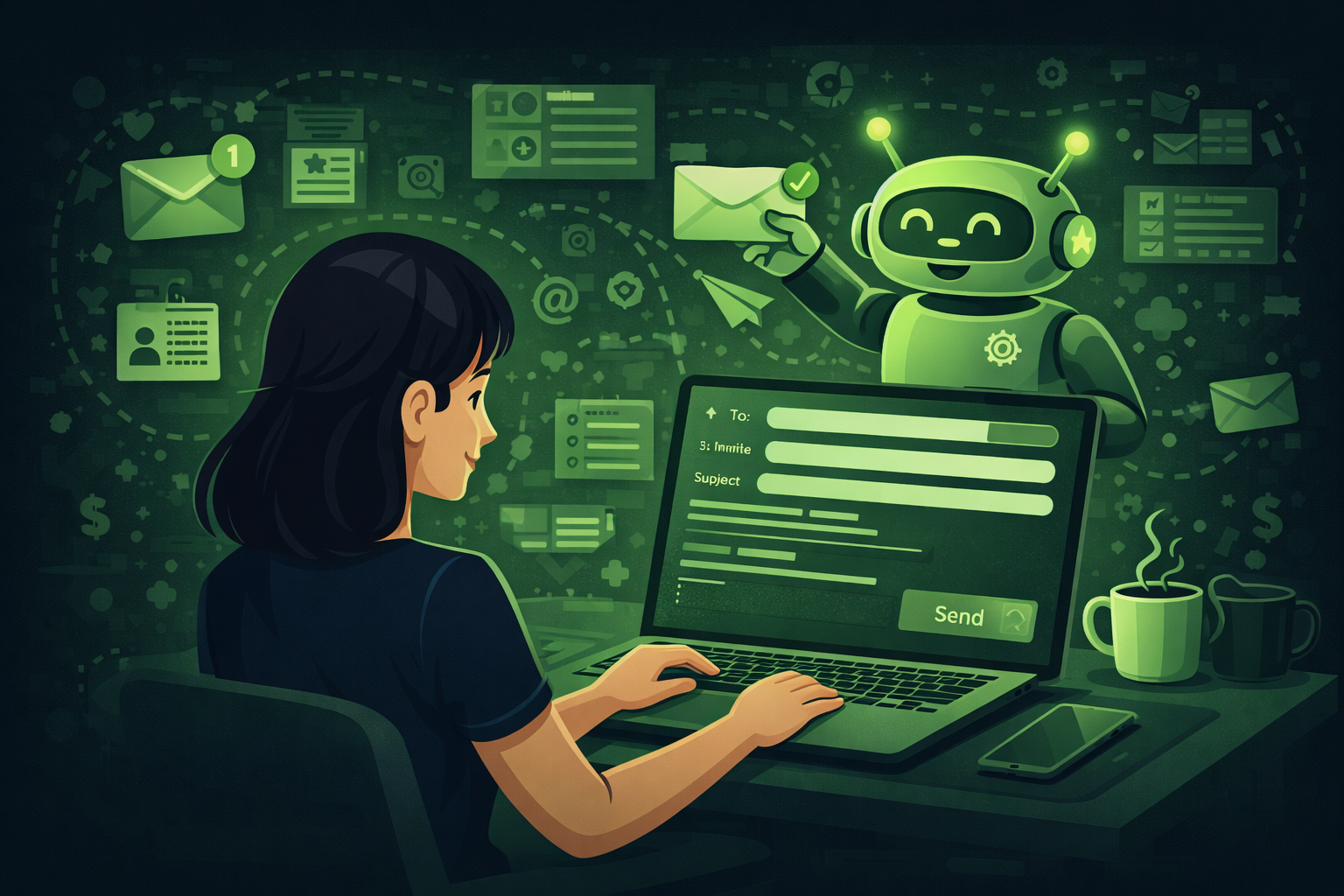
You can use AI to write event emails by giving ChatGPT your event name, audience, tone, and a word count limit for each email type. The 10 prompts in this guide cover every email in the sequence from the first save-the-date to the post-event survey.
Every event generates a lot of emails.
There is the save-the-date. The invitation. The registration confirmation. The practical info email. The reminder the day before. The welcome on the morning of the event. The thank-you message after. The follow-up with recordings and slides. And the survey asking for feedback.
That is 9 emails for a single event. If you are running 10 events a year, that is 90 emails to write. Most of them are very similar. They cover the same information in slightly different ways each time.
AI is perfect for this kind of work. You give it your event details once and it can produce all of your emails in minutes. This guide covers every email you need, from the first message to the last follow-up.
Event planners spend nearly 40% of their time on admin tasks. Writing and sending emails is one of the biggest parts of that. AI can write a full event email sequence in under 10 minutes. Source: Sentisight AI, 2025.
The full event email timeline
Here is every email you need for a typical event, in the order you send them.
| When to send | Main job | Who receives it | |
|---|---|---|---|
| Save the date | 6 to 12 weeks before | Tell people the date and get it in their diary | All invited guests |
| Invitation | 4 to 8 weeks before | Share full details and ask people to register | All invited guests |
| Registration confirm | Right after sign-up | Confirm their place and tell them what to do next | People who registered |
| Practical info | 1 to 2 weeks before | Share travel, parking, dress code, and what to bring | Registered attendees |
| Day before reminder | The day before | Short reminder with the key details | Registered attendees |
| Morning of event | Morning of event | Welcome and share any last minute changes | Registered attendees |
| Thank you | Same day or next day | Thank attendees and share key takeaways | Everyone who attended |
| Resources follow-up | 2 to 3 days after | Share recordings, slides, or useful links | Everyone who attended |
| Survey and next event | 7 to 10 days after | Ask for feedback and announce the next event | Everyone who attended |
This guide covers each of these emails with a copy ready prompt you can use today. You do not have to write all of them at once. Start with the ones that take the most time and work through the rest.
Email 1: The save-the-date
The save-the-date is the first email most guests will receive about your event. Its only job is to get the date in their diary. Keep it short. Do not try to share everything at once.
What to include:
- The event name and a one-line description
- The date and location or format
- A note that more details are coming soon
- One clear call to action, usually to save the date or register interest
Write a save-the-date email
Write a save-the-date email for the following event.

Event name: [name]
Event type: [e.g. annual conference, product launch, team away day]
Date: [date]
Location or format: [venue name and city, or online]
Audience: [who is receiving this email]
Tone: [e.g. professional, warm, exciting]

The email should be under 120 words. Include 3 subject line options. The call to action should be to register interest or save the date. Do not include the full agenda or ticket prices yet.
Pro tip: Send save-the-date emails 6 to 12 weeks before the event for large events. For smaller events, 4 weeks is enough. The sooner you send it, the better the chance people will keep that day free.
Subject line matters most
The subject line decides whether people open the email at all. Always ask AI to give you 3 options. Test the one that mentions a specific benefit or creates curiosity. Avoid generic subject lines like 'Save the Date for Our Conference'. Try something like 'Your seat is waiting for [event name] on [date]' or 'Mark your calendar: something big is coming on [date]'.
Email 2: The invitation
The invitation is the email that does the selling. It has more detail than the save-the-date and a clear call to action to register or buy a ticket.
What to include:
- Full event details including date, time, and location
- What attendees will get from coming
- Key speakers or activities
- A registration link and deadline
- Any early bird offer if you have one
Write an event invitation email
Write an invitation email for the following event.

Event name: [name]
Date and time: [details]
Location or format: [details]
Audience: [who is receiving this]
Key speakers or activities: [list 2 to 3]
Main benefit of attending: [what will people get from coming?]
Registration link: [URL]
Registration deadline: [date]
Early bird offer if any: [details or leave blank]
Tone: [professional / warm / exciting]

The email should be under 200 words. Include 3 subject line options. End with a clear call to action to register.
Pro tip: Write 2 versions: one for people who are seeing this event for the first time, and one for people who already received a save-the-date. The second version can be shorter and more direct. Ask ChatGPT to write both in the same prompt.
Email 3: The registration confirmation
This email goes out automatically as soon as someone registers. It confirms their place and tells them what to do next.
Most event platforms send this automatically. But the default text is usually very dull. Write a better version and use it as your template.
Write a registration confirmation email
Write a registration confirmation email for the following event.

Event name: [name]
Date and time: [details]
Location or format: [details]
What the attendee should do next: [e.g. download the app, book travel, join a WhatsApp group]
Contact email for questions: [email address]
Tone: [warm and welcoming]

The email should be under 150 words. Start with a warm confirmation that their place is booked. End by building excitement for the event.
Pro tip: This email has the highest open rate of all your event emails because people always open their booking confirmation. Use that attention to do something useful: give them a clear next step and build excitement.
Email 4: The practical information email
This email goes out 1 to 2 weeks before the event. It gives attendees everything they need to know to get there and be prepared.
What to include:
- Full address and how to get there by public transport and car
- Parking information
- What time to arrive and where to go when they get there
- What to bring or wear
- Any dietary or accessibility information they need to know
- A contact number for on-the-day queries
Write a practical information email
Write a practical information email to send to registered attendees 1 week before the following event.

Event name: [name]
Date and start time: [details]
Venue name and full address: [address]
Nearest public transport: [tube, train, bus details]
Parking: [available or not, cost if relevant]
Arrival instructions: [e.g. use the main entrance on X street, go to the registration desk on the ground floor]
Dress code: [if relevant]
What to bring: [if relevant]
Dietary notes: [e.g. all meals are labelled, please tell us if you have severe allergies]
On-the-day contact: [phone number or name]

Keep the email under 250 words. Use short paragraphs and bullet points where helpful. Tone: clear and friendly.
Pro tip: This is the email that stops your registration desk getting swamped with questions. The more you include here, the fewer messages you get in the days before the event.
Email 5: The day before reminder
Short and simple. Its only job is to make sure people have not forgotten and know where to go.
Write a day before reminder email
Write a short reminder email to send the day before the following event.

Event name: [name]
Date and start time: [details]
Venue name and address: [address]
One key thing they need to remember: [e.g. bring their badge confirmation, arrive by 9am, download the app]

Keep the email under 80 words. Tone: friendly and clear. Include 2 subject line options.
Pro tip: Keep this one very short. People are busy. They just need a quick nudge. Do not repeat everything from the practical info email. Just say when, where, and one thing to remember.
Email 6: The morning of the event
This email goes out on the morning of the event. It builds excitement and shares any last minute information. Not all events need this one. It works best for large conferences, full-day events, or events where things have changed since the last email.
Write a morning-of-event email
Write a short email to send on the morning of the following event.

Event name: [name]
Start time: [time]
Venue address: [address]
Any last minute updates or things to know: [list or leave blank]
Tone: warm and excited

Keep the email under 100 words. Make it feel personal and welcoming, not like a reminder. Include 2 subject line options.
Pro tip: If there are no last minute changes, this email is optional. But for events where you want to create a real sense of occasion, it works well. Think of it as the message that makes people look forward to the rest of their day.
Email 7: The post-event thank you
This is the most important email after your event. Send it on the same day or the day after while the experience is still fresh.
What to include:
- A genuine thank you for coming
- 2 or 3 key takeaways from the day
- A link to any resources you promised
- A quick note on what is coming next
Write a post-event thank-you email
Write a thank-you email to send to attendees after the following event.

Event name: [name]
Date: [date]
Key takeaways from the day: [list 2 to 3 things]
Resources to share: [links to slides, recordings, or documents, or leave blank]
What comes next: [e.g. recordings available in 3 days, next event date, or survey link]
Tone: warm and genuine

Keep the email under 200 words. Do not make it sound like a marketing email. It should feel personal and appreciative. Include 3 subject line options.
Pro tip: The thank-you email has a very high open rate. People are curious to see what you send after the event. Use that attention. Share something useful and give them a clear reason to stay connected.
Email 8: The resources follow-up
Send this 2 to 3 days after the event when recordings and slides are ready.
Write a resources follow-up email
Write a follow-up email to share event resources with attendees.

Event name: [name]
Date the event took place: [date]
Resources available: [e.g. session recordings, presentation slides, speaker bios, recommended reading list]
Links: [paste links or note they will be added before sending]
Feedback survey link: [URL or note it will be added]
Tone: helpful and brief

Keep the email under 150 words. Make it easy to scan. Use short bullet points for the list of resources. Include 2 subject line options.
Pro tip: Always include a feedback survey in this email. People are still thinking about the event and more likely to complete a survey now than if you send it separately later. Keep the survey short: 5 questions is enough.
Email 9: The survey and next event email
Send this 7 to 10 days after the event. Ask for feedback and use it as a chance to announce what is coming next.
Write a survey and next event email
Write an email to send 10 days after the following event.

Event name: [name]
Feedback survey link: [URL]
Next event details: [name, date, and a one-line description, or leave blank]
Early bird offer for next event: [details or leave blank]
Tone: friendly and helpful

The email should have 2 parts. Part 1: a short request for feedback (2 to 3 sentences). Part 2: a brief announcement of the next event with a link to register. Keep the whole email under 180 words. Include 2 subject line options.
Pro tip: Linking the survey to the announcement of the next event means one email does two jobs. People who enjoyed the last event are already in the right mindset to register for the next one.
Getting subject lines right
The subject line decides whether people open your email. It does not matter how good the content is if nobody opens it.
Here are the subject line types that work best for event emails:
- Curiosity: 'Something big is happening on [date]'
- Direct benefit: 'Your guide to [event name]: everything you need to know'
- Personal: '[First name], your seat is ready for [event name]'
- Urgency: 'Last chance to register for [event name]'
- Social proof: '500 people are already registered for [event name]'
- Simple and clear: '[Event name]: date, time, and how to get there'
Generate subject line options
Write 10 subject line options for the following email.

Email type: [e.g. invitation, reminder, post-event thank you]
Event name: [name]
Key message: [e.g. registration is open, the event is tomorrow, recordings are ready]
Tone: [professional / warm / urgent]

Include a mix of styles: some direct, some curiosity-driven, some benefit-focused. Keep all subject lines under 50 characters so they display fully on mobile.
Pro tip: Test 2 subject lines against each other if your email platform allows it. Even a small improvement in open rate adds up to a lot more people seeing your event communications.
How to make AI emails sound like you
The biggest risk with AI-written emails is that they sound like AI wrote them. Phrases like 'we hope this email finds you well', 'please do not hesitate to reach out', and 'we are delighted to inform you' are signs of AI-generated text.
Here are 5 quick ways to fix this before you send.
Change the opening line
Delete whatever AI wrote as the first sentence and write your own. One sentence in your own voice changes the whole feel of the email.
Add one specific detail
Mention something real and specific about this event. 'Our speaker last year got a standing ovation' or 'we are back at the venue our attendees voted best last year'. Real details make generic text feel human.
Cut the long words
Replace 'utilise' with 'use'. Replace 'assist' with 'help'. Replace 'endeavour' with 'try'. Simple words are easier to read and harder to identify as AI.
Read it out loud
If you would not say it in a normal conversation, do not send it in an email. Read every email out loud before you send it. If you stumble over a phrase, rewrite it.
Ask AI to simplify it
After AI writes a draft, paste it back in and ask: 'Rewrite this in plain English. Aim for a reading age of around 12. Cut any filler phrases. Make it sound warm and human, not corporate.'
Questions people ask about using AI for event emails
Will people know my emails were written by AI?
Not if you edit them before sending. AI gives you a strong first draft. The key is to add one personal line at the start, remove any corporate-sounding phrases, and make sure the tone matches how you normally communicate. Read it out loud before sending. If it sounds like you, it is good to go.
How do I personalise AI-written emails for different audiences?
Tell ChatGPT who the audience is in the prompt. 'Write this for senior executives' gives you a different result to 'write this for marketing managers'. You can also ask for multiple versions in the same prompt: 'Write 3 versions of this email, one for each of these audience types.'
Can I use AI to write emails for a series of events at the same time?
Yes. Create a project or custom instruction in ChatGPT that contains your brand details, your standard tone of voice, and your event information. Then every email you ask it to write will use that context automatically. This saves you repeating the setup for each new email.
How long should event emails be?
As short as possible while still covering the key information. Save-the-date emails should be under 120 words. Invitations under 200 words. Practical info emails under 250 words. Post-event thank-you emails under 200 words. If your email is getting long, it is probably trying to do too many things at once. Split it into two emails.
What is the best time to send event emails?
For most professional events, Tuesday, Wednesday, and Thursday between 9am and 11am local time tend to get the best open rates. Avoid Monday mornings when inboxes are full and Friday afternoons when people have switched off. For reminder emails, send the day before at around 4pm to 6pm when people are planning their next day.
Can AI help me reply to individual attendee questions?
Yes. Paste the question into ChatGPT and ask it to write a short, clear reply. Always read the reply before sending and adjust anything that does not sound right. For questions that come up over and over, build a list of standard answers and ask ChatGPT to turn them into a FAQ document for your event website.
Final thoughts
Writing event emails does not have to take hours.
With the prompts in this guide, you can produce a full email sequence for any event in under 30 minutes. The key is giving ChatGPT clear, specific information in each prompt. The more detail you give it, the less editing you need to do.
Start with the emails that take you the most time right now. For most planners, that is the invitation and the practical info email. Once you have a template that works, save it and reuse it on every similar event. Over time, you will build a library of email templates that covers every situation.
That is the last post in Cluster 2. Next we move into Cluster 3, which covers specific use cases for AI in event planning. The first post covers AI-powered attendee matchmaking, one of the most searched topics in event tech right now. Subscribe below to get it.
AI Prompts for Event Marketing Emails
Marketing emails before an event (not just post-registration sequences) are the most underused content type in event planning. These prompts cover the full pre-event marketing sequence.
Save time on copy with ChatGPT prompts for event emails.
Pre-event marketing email sequence
Write a 4-email pre-event marketing sequence for [event name] on [date] targeting [audience]. Email 1 (6 weeks out): save the date and early bird offer. Email 2 (4 weeks out): speaker spotlight and agenda preview. Email 3 (2 weeks out): last chance for early bird, social proof. Email 4 (3 days out): practical info and excitement builder. Each email should have a subject line, preview text, and body under 200 words.
Pro tip: Paste in 2 to 3 sentences about what makes your event unique before this prompt. The emails will be much more specific and harder for recipients to ignore.
Related posts
Keep reading
How to Use AI to Repurpose Event Content After the Event
Most events create hours of video nobody watches. AI plus transcripts helps you turn sessions into blogs, social posts, newsletters, and scripts if you verify every quote.
How to Use AI to Create Your Event Marketing Content
AI can draft save-the-dates, social calendars, speaker posts, and recaps from one brief. You still verify facts, brand voice, and anything you publish live.
How to Use AI to Find and Pitch Event Sponsors: A Step-by-Step Guide
Use AI to research sponsors, draft outreach, build tiers, and write renewal reports. You still own relationships, pricing decisions, and every send to key accounts.