Using AI for Event Speaker Management: From Sourcing to Briefing to Recap
5 min read
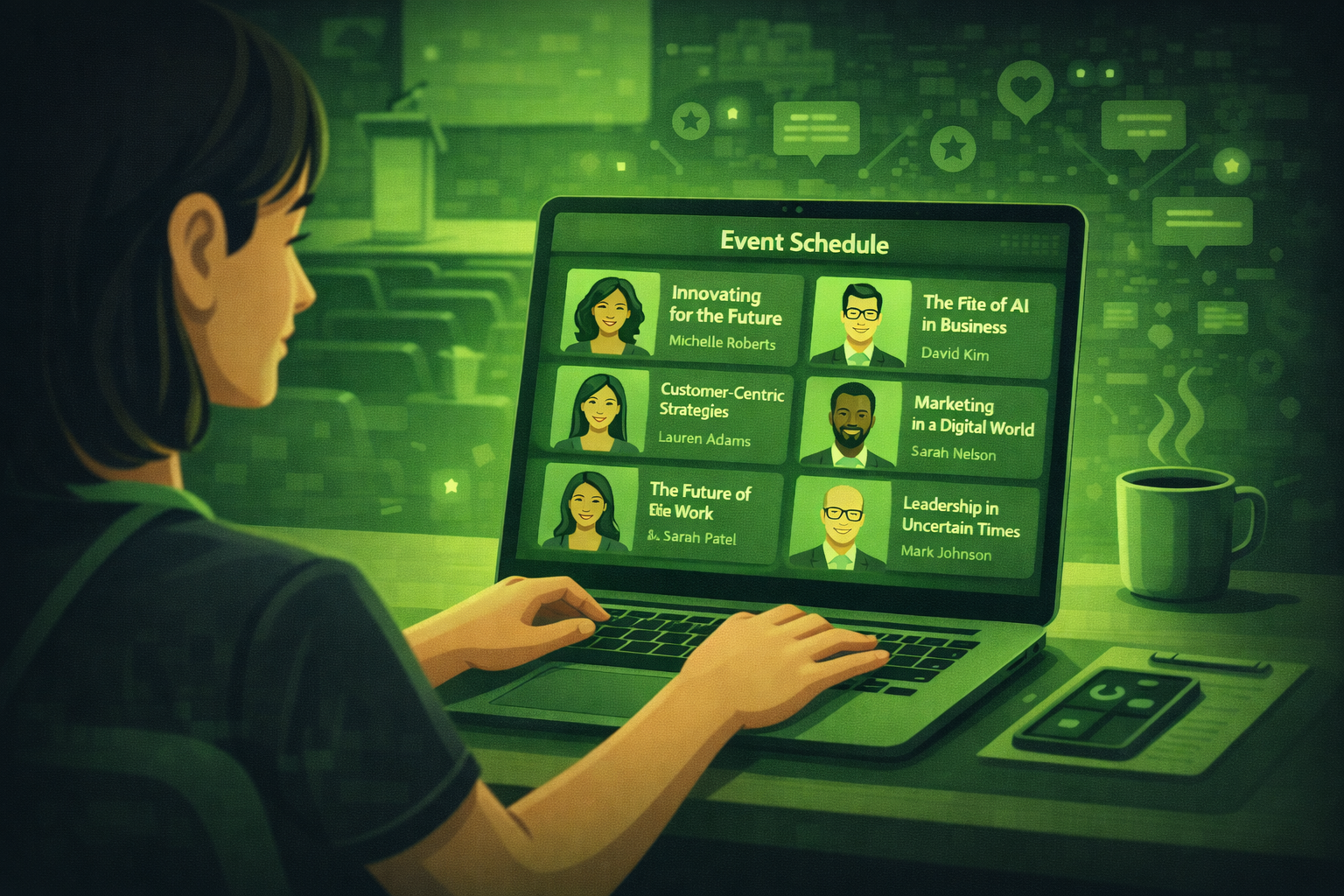
Quick answer
AI helps you draft speaker briefs, tidy submissions, and summarise recaps faster. You still own approvals, relationships, and anything that goes on stage.
AI can help you research speakers, draft briefing packs, and write recap notes faster than starting from a blank page. It does not remove your duty to verify facts and protect relationships.
Speaker work is where small mistakes become public mistakes: the wrong name on stage, a brief that misses a constraint, a recap that never goes out.
This guide explains what AI speaker management means in practice, where it helps in the workflow, which tools teams use in 2026, and what you should still do yourself.
If you only take one idea from this post, take this: use AI to reduce admin time, not to hide problems. Your speakers still need clear humans behind the process.
In 2026, event teams still name speaker coordination and content handling as a top time sink. Organisers who adopt structured AI workflows report fewer last-minute briefing errors, not because AI is perfect, but because checklists and drafts get finished earlier. Source: industry surveys summarised in Bizzabo State of Events, 2026.
What is AI speaker management for events?
AI speaker management means using AI tools to help you handle speaker work across the lifecycle. That usually means sourcing ideas, drafting briefs, preparing session copy, and writing recaps.
It is not one product. It is a bundle of habits: you keep your data clean, you give AI clear inputs, and you review every output before it goes to a speaker or a client.
A simple real-world pattern
A mid-size conference team uses Sessionize to collect and score talk proposals, ChatGPT to turn accepted abstracts into session descriptions in the house tone, and Notion AI to keep a single briefing hub. They still do a human call with every keynote. The AI work saves hours on text. The call protects the relationship.
How does AI fit the speaker lifecycle?
Sourcing and shortlisting
At sourcing stage, AI helps you scan long lists fast. You can paste criteria and ask for a first pass ranking. You can turn messy submissions into a table so your committee can compare fairly.
You still decide who fits the programme. AI cannot judge politics, chemistry, or whether a speaker will actually show up prepared.
Briefing packs and session content
At briefing stage, AI helps you draft packs from a template. It can turn your bullet points into clear instructions. It can generate a first agenda snippet for the website.
You still check facts. You still align with legal and brand. You still make sure the speaker knows the real constraints like timing, stage layout, and client sensitivities.
On-site communication
On site, AI helps most when it powers quick answers through your event app or chatbot. It can also help your team draft fast updates if a session moves.
You still handle escalations. If a speaker is upset, or a session is at risk, a human should lead.
Recap and follow-up
After the event, AI helps you summarise sessions from notes or transcripts. It can draft thank-you emails. It can turn takeaways into internal reporting language.
You still verify quotes and outcomes. Never publish a recap that invents numbers or promises you did not deliver.
| Stage | Good AI use | Human must own |
|---|---|---|
| Sourcing | Summarise submissions, compare fields, draft score sheets | Final picks, diversity goals, sponsor conflicts |
| Briefing | Draft packs, checklists, session blurbs | Sensitive wording, approvals, last-minute changes |
| On-site | Fast FAQs via chatbot, draft comms templates | Crisis tone, VIP issues, stage problems |
| Recap | Summaries from notes, draft follow-ups | Accuracy, claims, client sign-off |
Which tools help in 2026?
You do not need every tool below. Pick what matches your stack. Most teams start with one research and drafting tool plus one system of record.
Sessionize
Sessionize is built for call-for-papers workflows. It helps you collect proposals, review them, and run a structured programme build. It reduces spreadsheet chaos during sourcing.
ChatGPT
ChatGPT is the fastest way to draft speaker emails, session descriptions, and briefs from your notes. It is also useful for turning rough bullets into clean on-site announcements.
Notion AI
Notion AI works well when your briefing pack already lives in Notion. You can shorten text, change tone, and generate tasks from meeting notes inside one workspace.
Swapcard
Swapcard helps attendees navigate sessions and speaker profiles in hybrid and in-person events. It is not only a speaker tool, but it reduces duplicate questions when speaker info is easy to find.
Cvent
Cvent is common in enterprise programmes. It helps you keep speaker data tied to registration and logistics. AI features vary by package, but the win is fewer data silos.
Otter.ai
Otter.ai helps you capture sessions and generate transcripts for recap work. It is useful when you need a fast first draft summary after a long day.
How do you set this up without creating new chaos?
Step 1: Pick one source of truth
Decide where speaker data lives. If it lives in three places, AI will draft the wrong thing from the wrong export.
Step 2: Build a standard briefing template
Create a template with fixed sections: timing, AV, content rules, client taboos, emergency contacts. AI should fill gaps, not invent structure.
Step 3: Add a review gate
Make one named reviewer for anything public-facing. That includes website copy, speaker emails, and recap summaries.
Step 4: Train the team on tone
Save examples of good and bad emails in a short library. AI outputs improve when you paste a strong example and say "match this tone".
What mistakes do teams make with AI and speakers?
Mistake 1: Publishing AI copy without fact checks
Wrong titles, wrong cities, and wrong session times erode trust fast. Always verify details that a speaker will assume are correct.
Mistake 2: Replacing relationship touchpoints
A great speaker experience still includes a human who listens. If everything feels automated, your best speakers will disengage.
Mistake 3: Feeding AI messy data
If your spreadsheet has duplicate rows and conflicting times, AI will happily write confident nonsense. Clean data first.
Consent and confidential content
Do not paste confidential client strategy or unreleased product detail into AI tools unless your organisation allows it and you know how data is stored. For sensitive keynotes, use approved enterprise tools and keep the smallest possible context in prompts.
Questions people ask about AI and speaker management
What is AI speaker management?
It is using AI tools to help with speaker work like sourcing support, drafting briefs, writing session copy, and summarising recaps. It does not replace human judgement about who should be on stage.
Can AI pick my keynote speaker?
AI can help you compare proposals and summarise backgrounds. The final decision should consider brand fit, diversity goals, sponsor constraints, and your own experience. Treat AI as a research assistant, not a decision maker.
Which part of speaker management does AI help most?
Most teams see the biggest time saving in drafting and rewriting text: session descriptions, briefing packs, emails, and recap summaries. The highest risk area is anything factual that goes public without review.
Do I need an enterprise AI tool?
Not always. Many teams start with a approved general assistant plus a structured process. Enterprise tools matter when you need stronger governance, SSO, and data controls.
How do I stop AI from sounding generic?
Give it examples of your best writing, your banned phrases, and your audience. Ask for a specific tone like "plain English" and "short sentences". Then edit the opening lines yourself so it sounds human.
What should I do first this week?
Create one briefing template and one review checklist. Then use AI only to fill those templates from your notes. This keeps outputs predictable and easier to quality check.
Final thoughts
AI will not fix a disorganised speaker process. It will make a good process faster.
Start small. Pick one event. Use AI for session descriptions and recap emails only. Measure what you save in hours and where errors still happen.
The next post in this series covers what AI cannot do for event planners. Read it if you want a clear boundary between smart tools and real judgement.
Related posts
Keep reading
How AI is Changing Hybrid Event Management: Tools and Strategies for 2026
Hybrid events are harder to run than either in-person or virtual events on their own. AI is solving the biggest problems: keeping online attendees engaged, connecting two audience.
AI Chatbots for Events: How to Set One Up for Your Next Conference or Trade Show
AI chatbots can handle hundreds of attendee questions automatically, freeing your team to focus on what matters. This guide explains how they work, which tools to use, and how to set one up.
How to Use AI for Event ROI Reporting: Prove the Value of Your Events
Learn how to use AI to build event ROI reports that stakeholders actually trust. Covers the key metrics to track, 6 copy-ready prompts.