How AI is Changing Event Registration: What Every Planner Should Know in 2026
2 min read
Quick answer
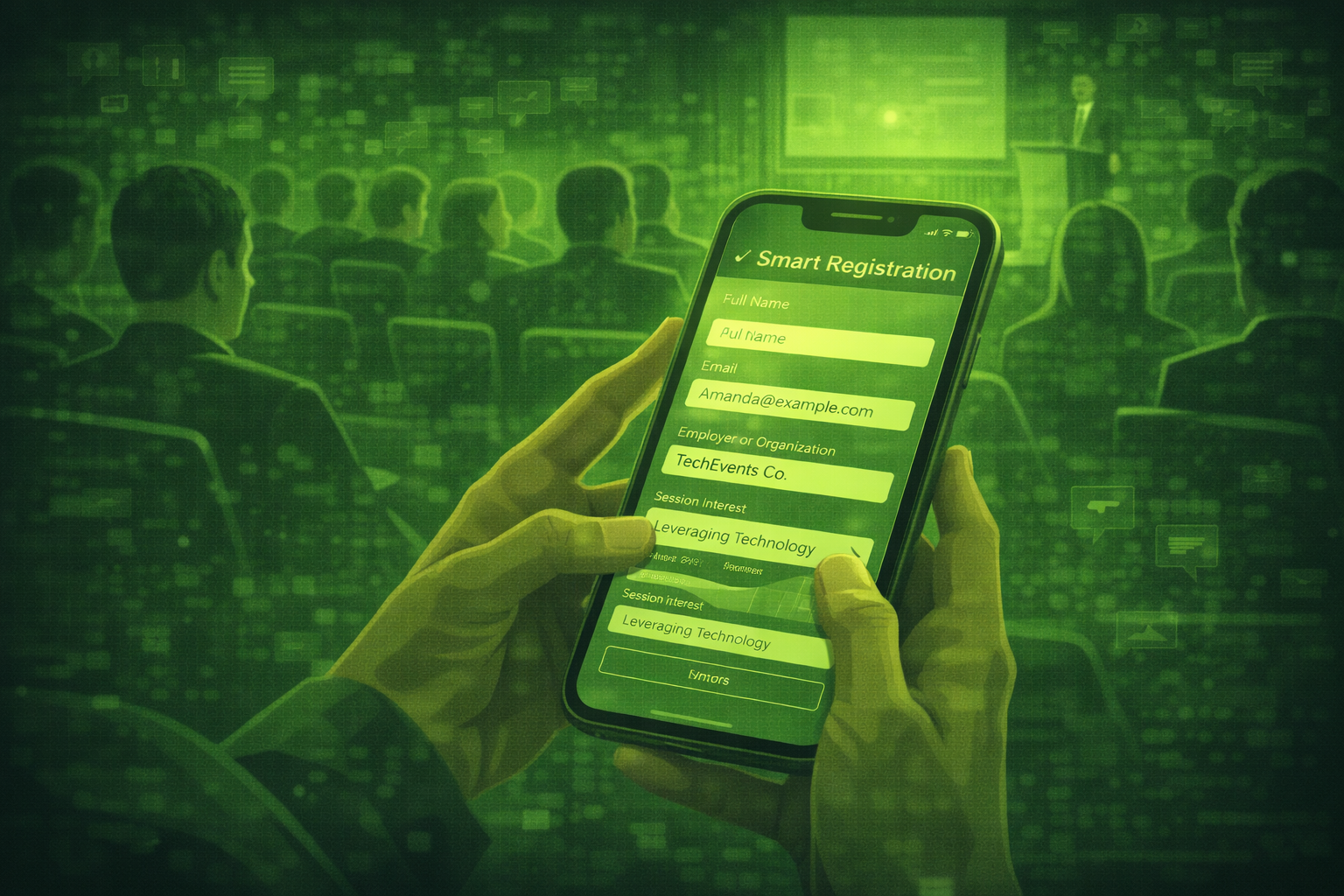
AI event registration adapts questions, pricing paths, and follow-up emails using profile signals and rules you approve. It is not the same as a static form for every attendee.
AI-powered event registration uses models and rules to change what each attendee sees, from questions to pricing to follow-up messages. Basic forms show the same fields to everyone.
The goal is faster sign-up, better data quality, and smoother onboarding. The risk is collecting more than you need or surprising people with profiling.
Connect registration to onsite experience with AI-powered attendee matchmaking and AI chatbots for events when you want self-service answers after people enroll.
For drafting comms around your form, keep how to use ChatGPT for event planning prompts nearby so tone stays consistent.
Teams that personalise registration flows often see higher completion rates when questions feel relevant and short. The win comes from fewer junk fields, not from hidden data grabs. Source: common pattern across event platform case studies summarised in 2026 industry reviews.
What does AI event registration mean in practice?
It means your registration system can score or classify inputs, then route people to different prices, sessions, or email tracks. It can also help detect typos and risky answers before they hit your database.
How does AI personalise the registration flow?
When an attendee tells you their role, region, or goals, the system can show follow-up questions that matter for that path. That reduces friction and raises data quality.
The model does not replace your policy. It executes rules you set with legal and marketing oversight.
| Topic | Basic form | AI-powered flow |
|---|---|---|
| Questions shown | Same for everyone | Dynamic paths by profile signals |
| Pricing | Static tiers | Dynamic pricing rules you define |
| Segmentation | Manual exports later | Automatic tags at signup |
| Onboarding emails | One generic sequence | Triggered sequences by segment |
| Data cleaning | Mostly manual | Inline validation and hints |
Which platforms lead on AI registration features?
Compare Bizzabo, Cvent, and EventMobi next to Whova during procurement. Features and AI depth change by package, so validate demos with your use cases.
How do you set up a simple AI onboarding sequence after registration?
Define three segments such as first-time attendee, returning VIP, and sponsor guest. Write one welcome email variant per segment. Trigger sends when the tag is set at signup.
Add one AI assist only if it is approved: for example, rewrite long emails into plain English before they leave draft mode.
What attendee data to collect versus skip
Collect what you need for access, safety, and programme fit. Skip unrelated personal detail. If you ask for company size or seniority, say why it changes their experience. Store the smallest dataset that still works.
Privacy and profiling
AI-driven profiling can trigger legal review, especially in the EU and similar markets. Document lawful basis, retention, and opt-outs before you turn on smart scoring.
Questions people ask about AI event registration
Will AI registration feel creepy?
It feels creepy when people do not know why questions change. Explain the benefit in one plain sentence at the top of the form.
Do I need a data officer involved?
For global events or sensitive industries, yes. For small local events, you still need a clear policy and consent text.
Can AI set ticket prices alone?
No. You set guardrails. AI can suggest bands, but humans should approve anything that affects revenue or fairness.
What is the fastest win?
Remove duplicate fields and add smart validation. That alone lifts completion rates.
How does this connect to onsite check-in?
Clean registration data flows into badges and apps. Invest in deduping before you print badges.
What should I pilot first?
One dynamic question path for a single attendee type. Measure completion time and support tickets.
Final thoughts
AI registration should feel respectful and fast. When it does, attendees share better data and your onsite team suffers fewer surprises.
Matchmaking starts with registration. Read our guide to AI-powered attendee matchmaking.
Registration desks get repeat questions. See chatbots that handle registration questions automatically.
Pair tooling with clear privacy rules, then measure completion rate and data quality instead of chasing every AI feature at once.
Related posts
Keep reading
The Best ChatGPT Alternatives for Event Planning: What to Use Instead
ChatGPT shines at drafting text. Specialist event platforms shine at registration, onsite ops, and analytics. Match the tool to the job, and pair tools instead of replacing one with another.

Using AI for Event Speaker Management: From Sourcing to Post-Event Recap
AI can help you source ideas, draft contracts and briefs, and write recap notes. You still own relationships, approvals, and anything that goes on stage.

How AI is Changing Hybrid Event Management: Tools and Strategies for 2026
Hybrid events are harder to run than either in-person or virtual events on their own. AI is solving the biggest problems: keeping online attendees engaged, connecting two audience.