The Best ChatGPT Alternatives for Event Planning: What to Use Instead
3 min read
Quick answer
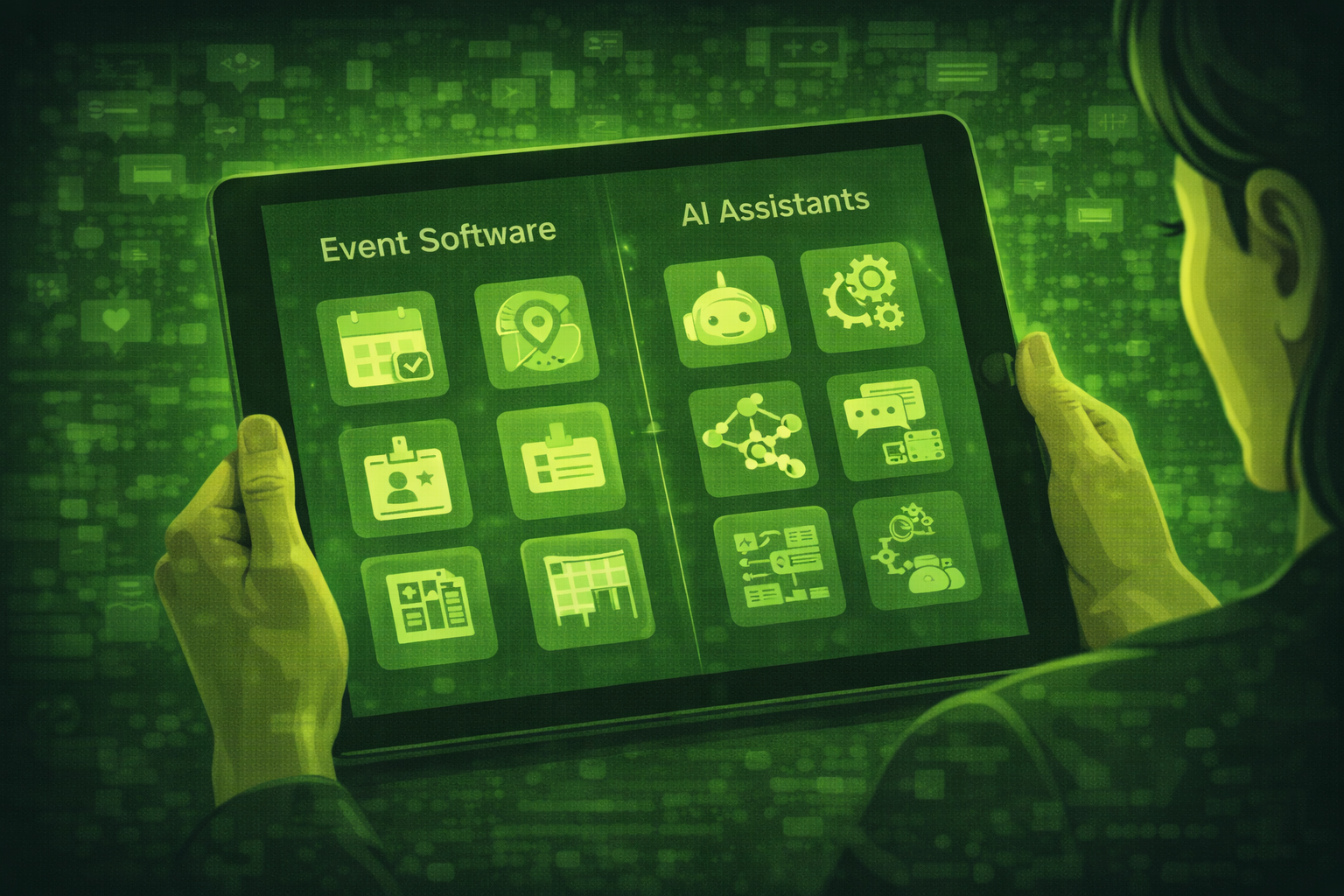
ChatGPT is best for drafting and brainstorming. Specialist event platforms are best for registration, onsite operations, and analytics. Most teams pair both instead of picking one.
ChatGPT is a strong drafting assistant for text. It is a weak system of record for registration, badges, live schedules, and sponsor data.
The best plan in 2026 is usually a specialist event platform plus an AI writing assistant, not one tool trying to do everything.
Start from how to use ChatGPT for event planning for prompts, then decide what must live inside your event stack.
If you need onsite answers at scale, compare this post with AI chatbots for events and the full map in AI event planning stack 2026.
Teams that split drafting tools from operational platforms report fewer data errors than teams that try to force CRM-like work into general chat tools. Source: common operations pattern across planner interviews in 2026.
When is ChatGPT the right tool?
Use ChatGPT for first drafts, tone edits, brainstorming session titles, and turning bullets into emails. It is fast when the task is language, not live integrations.
When is ChatGPT the wrong tool?
Avoid treating it as your registration database, badge printer, or live crisis command. It does not replace audited event systems or verified vendor data.
| Task | ChatGPT | Better fit |
|---|---|---|
| Drafting emails and copy | Strong | Claude for very long memos |
| Registration and ticketing | Weak | Whova, Bizzabo, Cvent |
| Networking matchmaking | Weak | Swapcard or Brella |
| Venue and market research | Risk of outdated info | Perplexity with live browsing |
| Attendee chat support | Manual | Tidio with a knowledge base |
Whova review
What it does
Whova combines mobile event apps, agenda, networking, and organiser tools in one place. AI features help attendees navigate and organisers broadcast updates.
Best for
Mid-size conferences and associations that want an all-in-one attendee app.
Pricing
Tiered SaaS pricing by attendee count. Request a quote for exact numbers.
Our verdict
Pick Whova when the mobile experience and community features matter more than deep enterprise procurement complexity.
Bizzabo review
What it does
Bizzabo targets enterprise and mid-market events with strong analytics, branding, and personalisation. AI assists content and attendee journey work inside the platform.
Best for
Marketing-led conferences that need board-ready reporting.
Pricing
Enterprise contracts vary by module and scale. Use sales-led pricing.
Our verdict
Choose Bizzabo when analytics and stakeholder reporting are non-negotiable.
EventMobi review
What it does
EventMobi focuses on event apps and engagement with AI helpers for communications. It is a fit when you want guided attendee journeys.
Best for
Teams that need flexible apps and comms automation for mid-size events.
Pricing
Package pricing by event size and features. Confirm in a demo.
Our verdict
Use EventMobi when engagement and in-app comms are central to your plan.
Claude review
What it does
Claude is an AI assistant from Anthropic that excels at long documents, careful rewriting, and nuanced tone control.
Best for
Long briefs, policy-heavy emails, and multi-page run books where context windows matter.
Pricing
Free and paid tiers exist. Enterprise options depend on your workspace rules.
Our verdict
Use Claude when ChatGPT feels tight on length or when you want a second drafting style for sensitive comms.
Perplexity review
What it does
Perplexity is a research assistant that cites sources while answering questions. It helps with market scans and competitor snapshots when you need links to check.
Best for
Venue research prep, sponsor landscape scans, and quick policy checks with citations.
Pricing
Free and Pro tiers. Confirm current limits in your account.
Our verdict
Use Perplexity when you need sourced answers. Still verify anything that affects contracts or money.
Networking tools: Swapcard and Brella
For attendee matchmaking, compare Swapcard and Brella when networking is a core outcome. They are not substitutes for registration platforms, but they deepen connections.
Tidio for attendee chat
Use Tidio when you want a website or app-adjacent chat experience with automation guardrails. Pair it with approved FAQs and human escalation.
Best way to use ChatGPT alongside a specialist platform
Let the platform own attendee data, schedules, and integrations. Let ChatGPT or Claude own language tasks from exports you paste in. Never treat chat output as a database of record.
Do not switch tools during a live programme
Pilot new platforms on a small event. Mid-show tool changes break data, confuse staff, and risk attendee trust.
Questions people ask about ChatGPT alternatives
Can one tool replace ChatGPT and my event platform?
Rarely. Most teams use a platform for operations and a writing assistant for language work.
Is Claude safer than ChatGPT?
Safety depends on your policy, data you paste, and enterprise settings. Treat all assistants as untrusted until reviewed.
Should I pay for Perplexity?
If you research weekly, Pro can save time. Verify pricing against your workflow.
What is the biggest mistake when mixing tools?
Letting AI invent attendee or sponsor details. Export facts from your platform first.
How many tools should I run?
Often two or three core systems. More than that needs a strong ops owner.
What should I test first?
Drafting workflow on one event, platform unchanged. Measure hours saved and errors.
Final thoughts
Pick tools for the job. Draft with AI. Operate the event on a platform. Research with sourced assistants when needed.
Compare models after you read ChatGPT for event planning.
Keep humans on judgement calls, contracts, and crisis comms. AI assistants speed the rest.
Related posts
Keep reading
How AI is Changing Event Registration: What Every Planner Should Know in 2026
AI event registration personalises questions, pricing paths, and follow-up emails based on profile signals. You still need clear consent rules and clean data hygiene.

Using AI for Event Speaker Management: From Sourcing to Post-Event Recap
AI can help you source ideas, draft contracts and briefs, and write recap notes. You still own relationships, approvals, and anything that goes on stage.

How AI is Changing Hybrid Event Management: Tools and Strategies for 2026
Hybrid events are harder to run than either in-person or virtual events on their own. AI is solving the biggest problems: keeping online attendees engaged, connecting two audience.