The AI Event Planning Stack for 2026: The Exact Tools Your Team Should Use
3 min read
Quick answer
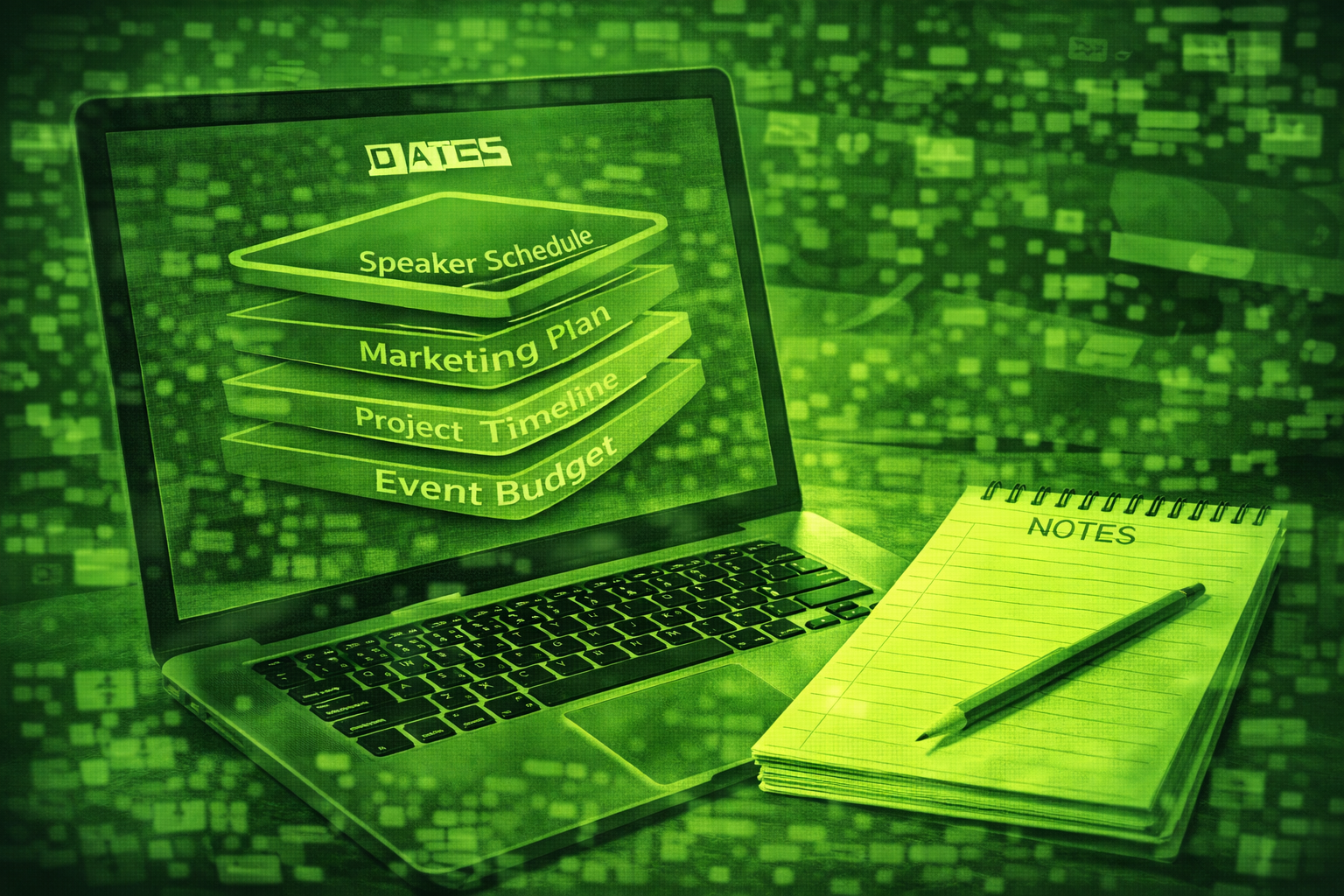
An AI event planning stack is the combined set of tools you use for drafting, core event data, networking, attendee support, transcription, and accessibility. You usually need a platform plus a few AI helpers, not ten disconnected apps.
An event stack is the set of tools your team uses together from first brief to post-event report. In 2026, strong teams pair a core event platform with AI helpers for writing, networking, and follow-up.
Start with prompts and workflows from how to use ChatGPT for event planning so drafting habits stay consistent.
Layer matchmaking and onsite help with AI-powered attendee matchmaking and AI chatbots for events when you design attendee journeys.
For hybrid delivery, align your stack with AI for hybrid event management so streaming, onsite, and data stay connected.
Teams that report fewer tool conflicts usually standardise one event platform and one document hub, then add AI assistants with clear review gates. Spreadsheet sprawl plus many AI tools tends to create rework. Source: common pattern across planner interviews and operations reviews in 2026.
What is an AI event planning stack?
It is not one app. It is a map of layers: drafting, registration and programme, networking, attendee support, transcription, and accessibility. Each layer should connect to clean event data.
Which six layers should a professional team consider?
Layer 1: AI writing assistant
Use ChatGPT or Claude for briefs, emails, run sheets, and session copy. Keep confidential data out of prompts unless policy allows it.
Layer 2: Event management platform
Use Bizzabo, Cvent, or Whova as the system of record for registration, agenda, and attendee data. AI features vary by package, but one core platform reduces silos.
Layer 3: AI matchmaking
Evaluate Brella, Grip, or Swapcard for attendee-to-attendee and sponsor introductions when networking is a core goal.
Layer 4: AI chatbot for attendees
Use Tidio or EventMobi for FAQs and wayfinding when you can feed approved answers and escalation paths.
Layer 5: Transcription and summary
Use Otter.ai or Fireflies.ai to turn sessions and debriefs into searchable text for recap reports.
Layer 6: Translation and accessibility
Use Wordly when you need live captions and multilingual support for global audiences.
| Event size | Core focus | Typical add-ons |
|---|---|---|
| Small under 100 | Writing assistant plus one event platform | Simple chatbot or email automation |
| Mid 100 to 500 | Platform plus matchmaking or structured networking | Transcription for key sessions |
| Large 500 plus | Enterprise platform with analytics | Matchmaking, chatbots, Wordly, and full recap pipeline |
Minimum viable AI stack for many programmes
Three tools cover a wide range of events: one approved writing assistant, one core event platform as system of record, and one transcription tool for recap work. Add matchmaking or chatbots when attendee volume makes self-service worth it.
What should you avoid stacking?
Avoid two chatbots, two matchmaking tools, or two transcription products doing the same job. Duplicate layers confuse data and burn budget.
Pilot before you rip out working tools
Do not switch your core platform in the middle of a programme. Test new layers on a small event, measure adoption, then scale.
Questions people ask about an AI event stack
Do I need every layer?
No. Start with writing plus your event platform. Add matchmaking, chatbots, and transcription when attendee volume and complexity justify the cost.
Which layer saves the most time?
Drafting and recap writing usually save the most hours. Networking layers save attendee time on the floor.
How do I get IT comfortable?
Share data flow diagrams, SSO plans, retention rules, and which tools process personal data. Start with vendors that publish clear security docs.
Can one vendor cover multiple layers?
Sometimes. Check whether features are mature enough for your event size. Many teams still mix best-in-class point tools with one strong platform.
What is the biggest mistake when buying?
Buying AI features you will not adopt. Tie each purchase to one workflow and one owner.
What should I do this month?
List your current tools, mark overlaps, and pick one gap to close with a pilot.
Final thoughts
Your stack should feel boring on purpose. One reliable platform, a few AI helpers, and strict review habits beat a shiny pile of apps.
Choosing tools for split audiences? Start with AI tools for hybrid events.
Layer attendee support early. Review AI chatbots as part of your event tech stack.
Planning autonomous steps? Read agentic AI in your event stack.
Networking layer: AI matchmaking in your stack.
Support layer: AI chatbots in your stack.
Daily helper: ChatGPT as your AI assistant.
Revisit this map each quarter as vendors ship new features, and trim anything your team does not actually use.
Related posts
Keep reading
AI Sentiment Analysis at Events: How to Track How Attendees Feel in Real Time
AI sentiment analysis scores tone from surveys, social posts, and app feedback. At events it helps you spot friction early if you collect data with consent and clear privacy rules.
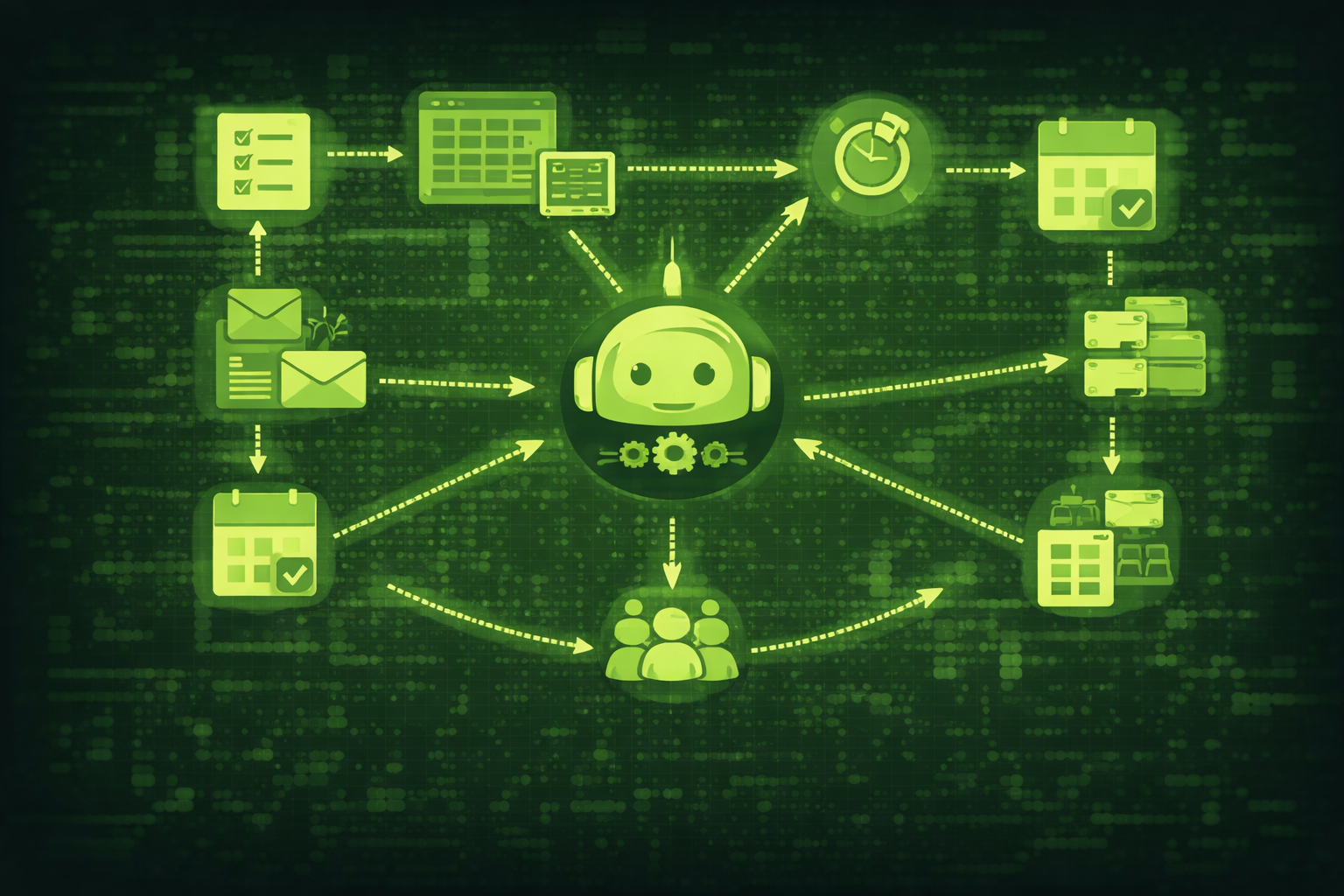
Agentic AI for Events: What It Means When AI Can Plan and Execute Tasks
Agentic AI goes beyond chatbots and prompts. It plans, decides, and takes action on its own. This guide explains what agentic AI means for event planners and which tasks it can already handle in 2026.