How to Use AI to Create Your Event Marketing Content
2 min read
Quick answer
You use AI to draft emails, social posts, and recaps from one event brief, then you verify facts and brand voice before anything goes live. Add transcripts from Otter.ai or Fireflies.ai when you turn sessions into many micro-posts.
You can use AI to draft save-the-dates, build a multi-channel content calendar, write speaker posts, and turn transcripts into recaps. You still check facts, brand voice, and every public publish.
Most events need 30 to 50 content pieces across email, social, and web. AI removes blank-page time if you feed it structure and examples.
Use how to use ChatGPT for event planning for tone basics, how to use AI to write event emails for lifecycle emails, and how to use AI for event ROI reporting when you tie content to outcomes.
Pair written content with transcripts from Otter.ai or Fireflies.ai when you turn sessions into posts.
Event marketers who use AI for content often report saving 5 to 10 hours per event on drafting and repurposing, based on industry surveys in 2025 and 2026. Time saved varies by team size and review rules.
Why does event marketing content take so long?
You repeat the same story in different channels. AI helps you reframe one approved brief into many assets if you keep examples and guardrails nearby.
| Content type | Best AI approach | Watch-out |
|---|---|---|
| Draft from bullet points, then human edit | Facts and dates | |
| Social posts | Batch generate from a table of hooks | Brand voice and claims |
| Blog or web copy | Outline first, then section drafts | SEO claims you can defend |
| Video scripts | Transcript to short script beats | Speaker approvals |
The one prompt that saves the most time
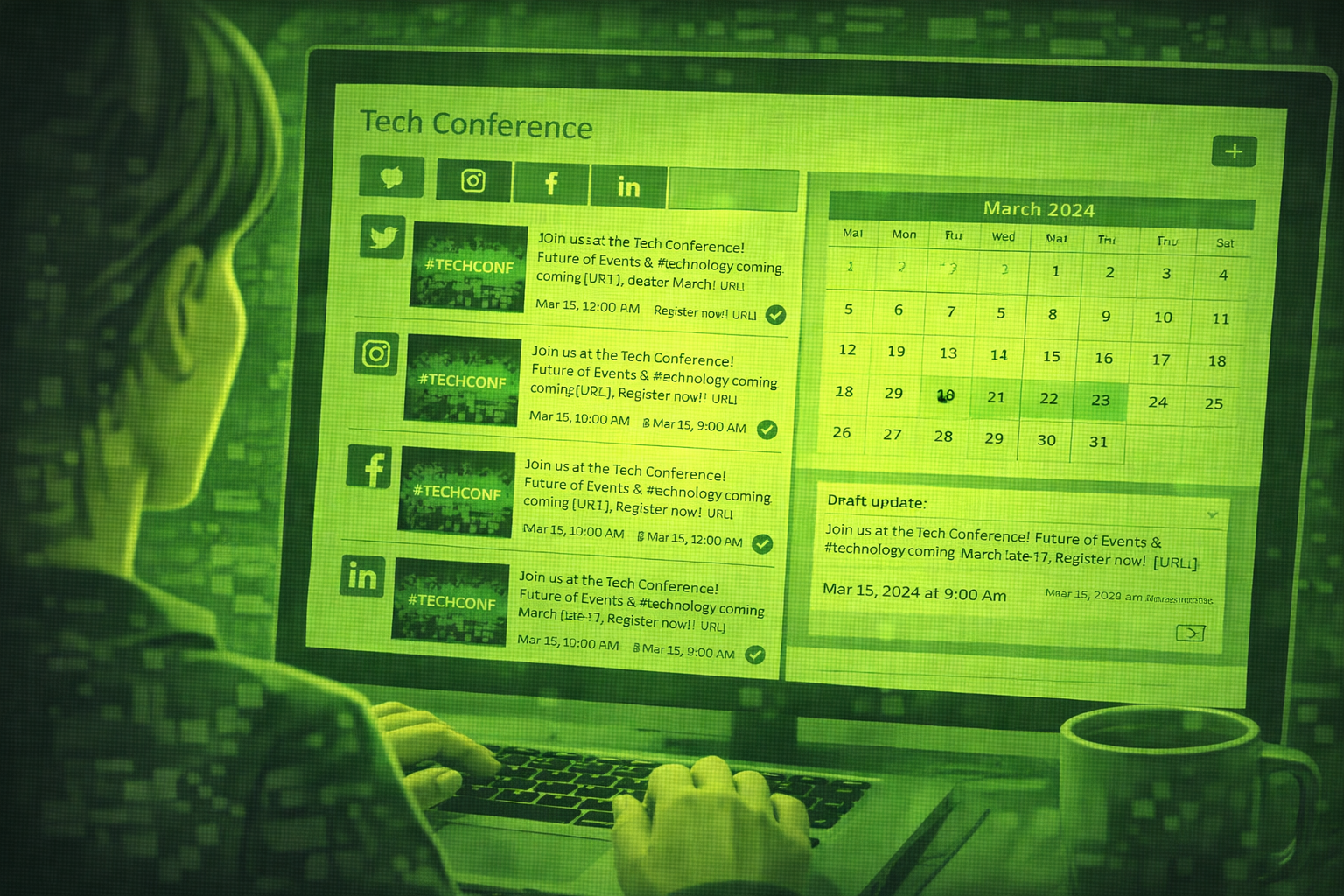
Paste your full event brief and ask for a 30-day content calendar with channel, topic, format, and CTA for each day. Then delete what does not fit. You get a map you can edit in minutes instead of a blank calendar.
Step 1: Draft your save-the-date and announcement emails
Announcement emails
Event: [name], [date], [city], [audience]. Write three emails: save-the-date, registration open, and last-chance reminder. Tone: plain English, warm, confident. Each under 200 words. Include subject lines and a clear CTA. Avoid exclamation spam.
Pro tip: Paste your real registration link yourself after the draft. AI may invent URLs.
Step 2: Generate a full social media content calendar
30-day calendar
Create a 30-day social calendar for [event]. Channels: [list]. For each day give platform, post idea, format (carousel, short text, quote card), and CTA. Tie posts to agenda milestones such as early-bird deadline and speaker reveals.
Pro tip: Export to a spreadsheet and assign owners. AI gives you the skeleton, not the approvals.
Step 3: Write speaker and session spotlight posts
Speaker spotlights
Speaker: [name], [title], [company]. Session: [title], [learning outcomes]. Audience: [who]. Write three social posts: one quote-led, one question-led, one proof-led. Under 120 words each. Plain English. No hype.
Pro tip: Get speaker approval on quotes. AI paraphrases badly if facts are thin.
Step 4: Create post-event recap content
Recap pack
Here are verified stats: [paste]. Write a recap blog outline, three LinkedIn posts, and one short email for attendees. Highlight one human story if I provide it. Flag anything you cannot prove from my notes.
Pro tip: Paste Otter.ai or Fireflies.ai transcripts as source text when you have them.
Step 5: Turn one event into a month of repurposed content
Upload session transcripts from Otter.ai or Fireflies.ai , then ask AI to extract quotes, stats, and story angles. You edit voice and verify every claim.
Repurpose plan
From this transcript excerpt: [paste]. Create ten micro-content ideas: five short posts, three quote graphics, two newsletter blurbs. Mark which ideas need speaker approval.
Pro tip: Keep clips short. Long blocks of pasted text can hit model limits.
Check facts before you publish
AI can invent dates, speaker titles, or stats. Read every line that goes live, especially sponsor mentions and pricing.
Tips for better results
Tip 1: Keep a style card
Save three examples of posts your audience liked. Paste them into prompts as tone references.
Tip 2: Batch similar work
Write all speaker posts in one session so voice stays consistent.
Tip 3: Name a reviewer
One marketing lead approves public posts. One event lead checks operational facts.
Questions people ask about AI event marketing content
Will AI replace my marketing team?
No. It speeds drafting. Humans still own brand, approvals, and channel strategy.
Which channel benefits most?
Email and social drafts usually save the most time. Video still needs humans for editing and brand checks.
How do I keep brand voice?
Paste examples, list banned words, and edit openings yourself.
Can AI write SEO blogs for events?
It can outline and draft if you give keywords and facts. You still verify claims and add internal links your site needs.
Is it safe to paste attendee quotes?
Follow privacy rules. Use anonymised quotes unless you have consent.
What should I ship first?
A three-email announcement series and a one-week social plan. Measure what your team can review without burnout.
Final thoughts
AI turns one strong brief into many drafts. Your job is to keep the brief accurate and the voice human.
Pair transcripts with prompts when you can. Facts beat fluff every time.
Campaigns differ for in-person and online guests. Try hybrid event marketing with AI.
Stack prompts with ChatGPT prompts for marketing.
When results matter to leadership, connect content themes back to ROI reporting you already run.
Related posts
Keep reading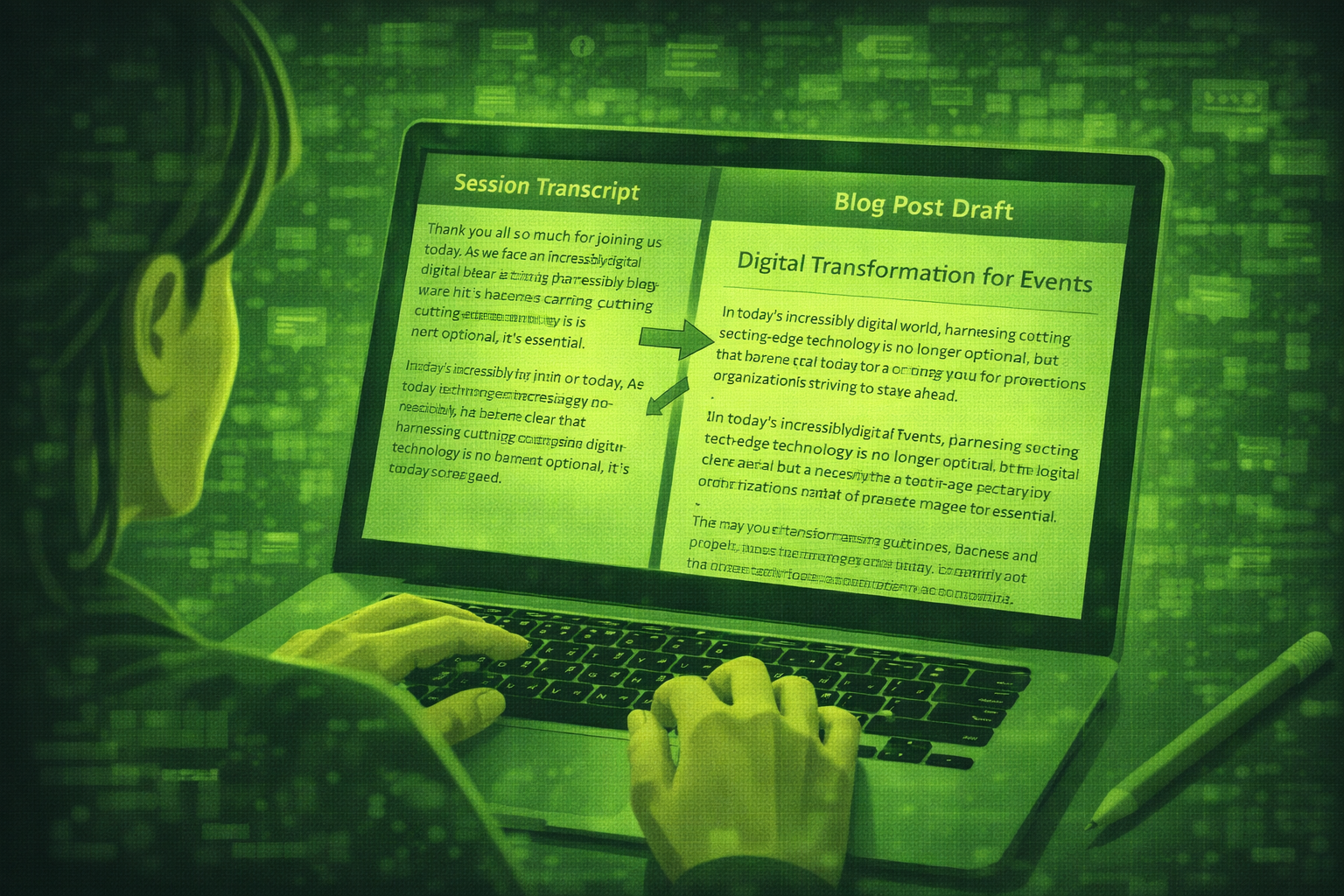
How to Use AI to Repurpose Event Content After the Event
Most events create hours of video nobody watches. AI plus transcripts helps you turn sessions into blogs, social posts, newsletters, and scripts if you verify every quote.

How to Use AI to Find and Pitch Event Sponsors: A Step-by-Step Guide
Use AI to research sponsors, draft outreach, build tiers, and write renewal reports. You still own relationships, pricing decisions, and every send to key accounts.
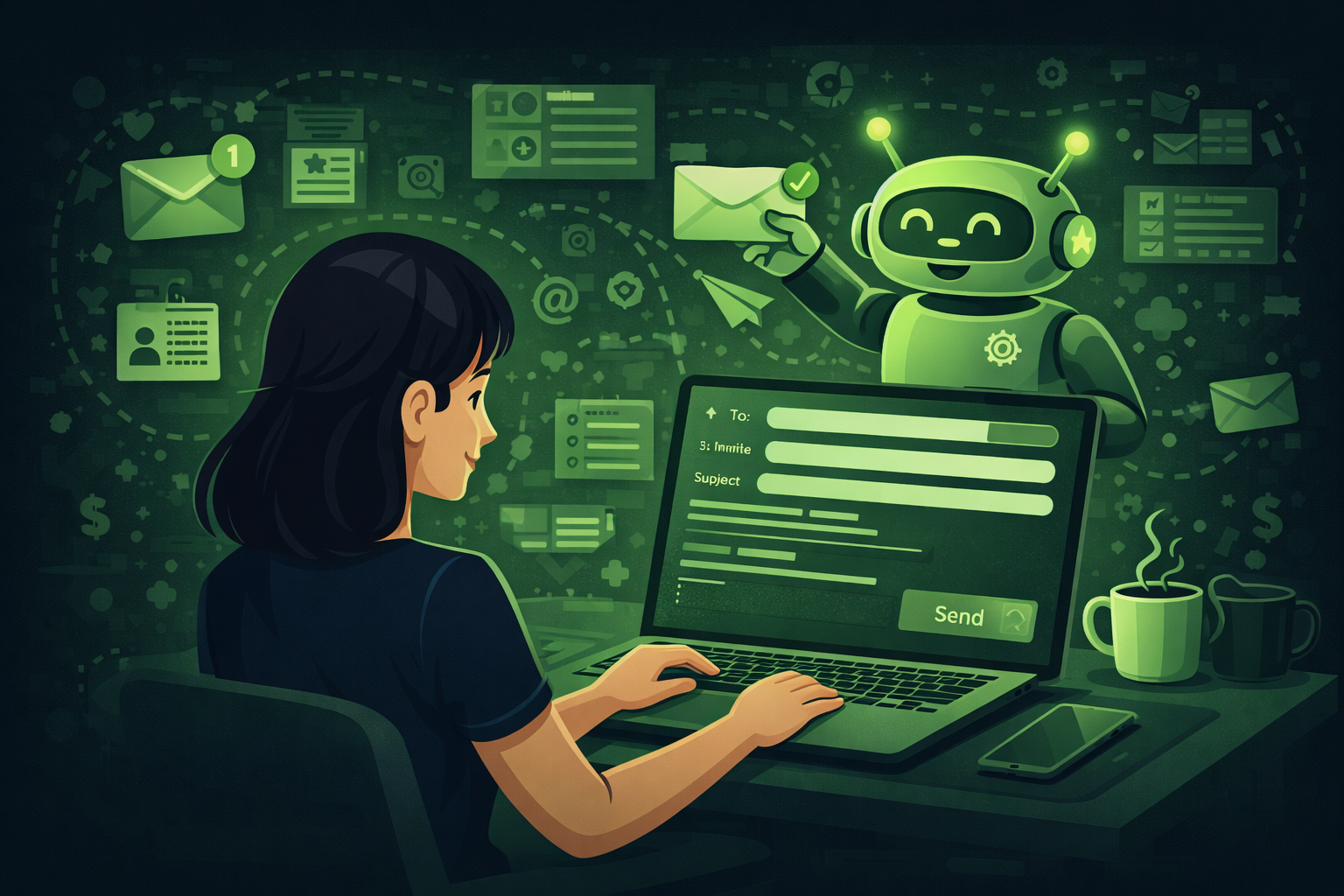
How to Use AI to Write Event Emails: From Save-the-Date to Post-Event Follow-Up
Learn how to use AI to write every event email from save-the-date to post-event follow-up. Includes 10 copy-ready prompts, a full email timeline table, subject line templates.