How to Use AI to Repurpose Event Content After the Event
2 min read
Quick answer
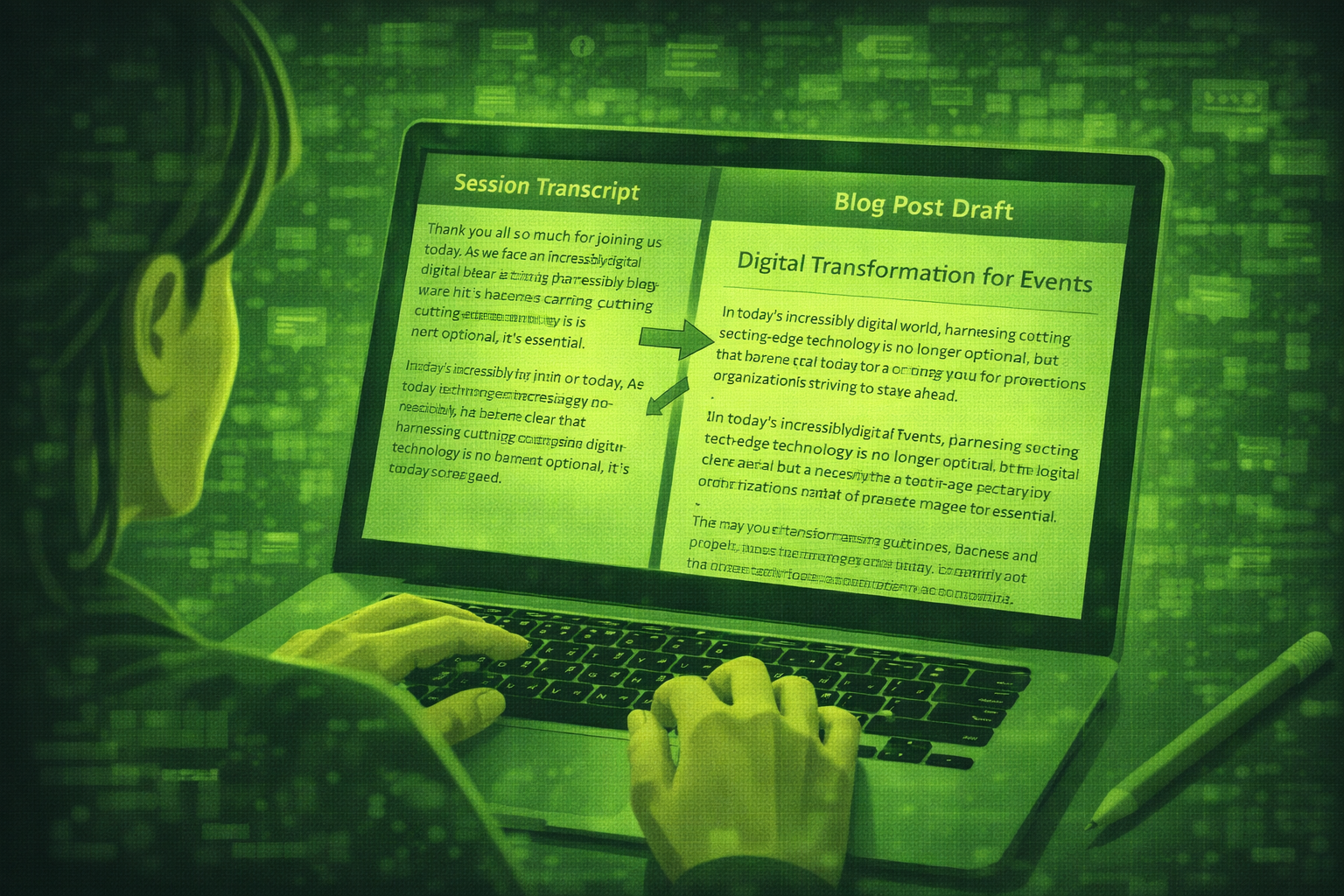
You repurpose event content by transcribing sessions, then asking AI to draft blogs, social posts, newsletters, and scripts from verified text. You always check names and quotes before anything goes live.
You can use AI to turn session recordings into transcripts, then into blogs, social posts, newsletters, and highlight scripts. You still verify speaker names, quotes, and claims before you publish.
Most events produce 8 to 12 hours of strong content, then only a fraction gets reused. The gap is not ideas. It is time and workflow.
Pair this workflow with AI event marketing content planning, how to use AI for event ROI reporting for proof, and how to use AI to write event emails when you send recaps.
Start with transcription quality. Bad audio means bad text, and bad text means bad public posts.
Teams that publish post-event content within two weeks often see higher engagement than teams that wait months, based on common marketing operations patterns in 2026. Speed matters, but only after accuracy checks.
Why does so much event content go unused?
Repurposing feels like extra work after a long show. AI removes blank-page time if you keep a simple template and a reviewer.
| Session type | Best repurposing outputs | Watch-out |
|---|---|---|
| Keynote | Long blog, quote graphics, executive email | Sensitive stories need speaker approval |
| Panel | Debate recap, LinkedIn thread, FAQ post | Name attribution on every quote |
| Workshop | How-to article, checklist post | Do not share proprietary exercises without consent |
| Sponsor session | Impact quotes for sponsor decks | Contract limits on clips |
The 10x content workflow
Treat one verified transcript as one asset that becomes up to ten pieces: a blog, three short posts, two emails, a newsletter blurb, a slide pull-quote, a FAQ, a sales one-pager, and a highlight script. You still review every piece.
Step 1: Transcribe every session with AI
Use Otter.ai or Fireflies.ai for clear audio in a controlled room. Fix speaker names in the transcript before you reuse text.
Clean a transcript
Here is a raw transcript from a session. Fix obvious speaker labels, remove filler words, and split into short paragraphs. Do not invent facts. Mark uncertain lines with [verify].
Pro tip: If audio was messy, transcribe in small chunks and merge. One long bad paste trains bad posts.
Step 2: Turn the transcript into a blog or key takeaways article
Blog draft
Using only the transcript below, write an 800-word article with a clear headline, three H2 sections, and five takeaway bullets. Tone: plain English. Flag any claim that needs a source.

Transcript: [paste]
Pro tip: Add your own intro that explains why the topic matters to your audience. AI openings are often generic.
Step 3: Extract social posts from the transcript
Social batch
From this transcript, write eight short social posts for [LinkedIn and X]. Each under 220 characters. Two posts must be questions. Every post must include one verified quote with speaker name. If a quote is not explicit, say so.
Pro tip: Create a spreadsheet with post text, channel, and approval owner.
Step 4: Turn a full day of sessions into a monthly newsletter
Newsletter outline
Here are session titles and one-paragraph summaries: [paste]. Write a monthly newsletter with intro, three session highlights, one sponsor thank-you line if allowed, and a CTA. Plain English. No hype.
Pro tip: Send a test to yourself and read on mobile. Long blocks fail on phones.
Step 5: Draft a highlight reel script from transcript highlights
Reel script
Pick the strongest 12 lines from this transcript for a 60-second highlight reel. For each line, note on-screen text and B-roll ideas. Mark lines that need legal or speaker approval.
Pro tip: Your editor needs timecodes. Add rough timestamps if your transcript includes them.
Check names and quotes before you publish
AI can mishear names, merge speakers, or soften quotes. Read every line that goes public, especially anything tied to sponsors or careers.
Tips for better results
Tip 1: Build a content backlog template
Save one doc with session title, speakers, links, and approval status. AI drafts plug into that spine.
Tip 2: Assign one fact checker
One person owns quotes and titles. That habit prevents public mistakes.
Tip 3: Ship in waves
Publish high-value posts in week one, deeper articles in week two, and evergreen FAQs later.
Questions people ask about repurposing event content
Do I need human editors?
Yes. AI drafts. Humans verify facts, voice, and sensitive lines.
What if my audio quality is poor?
Fix audio first or accept shorter clips. Bad transcripts produce confident wrong quotes.
Can I repurpose sponsor sessions?
Only within your contract. Some deals limit clips, quotes, or duration.
How much can I automate?
Drafting and formatting. Approvals and publishing should stay human-led for most teams.
Which metric should I track?
Pick one: email clicks, qualified leads, or content saves. Tie it to the story you already report to leadership.
What should I ship first?
One blog and three social posts from your strongest session. Measure time saved and errors caught.
Final thoughts
Repurposing is how you earn back budget from content you already paid to produce. AI makes the writing faster, not optional on review.
Reuse clips with help from how to use ChatGPT for events.
Pick one event, run the five steps, and keep a simple scoreboard for hours saved and quality issues caught.
Related posts
Keep reading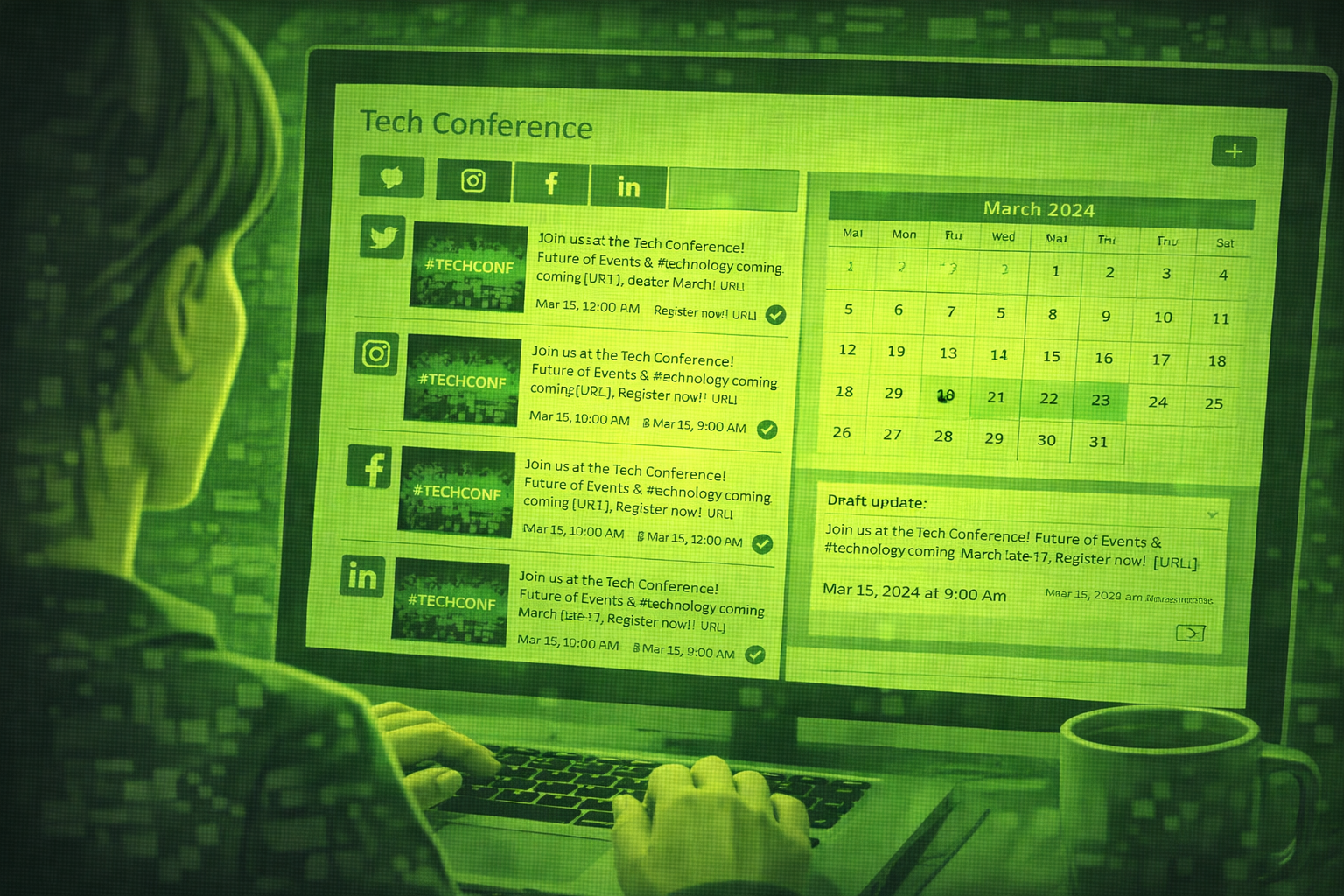
How to Use AI to Create Your Event Marketing Content
AI can draft save-the-dates, social calendars, speaker posts, and recaps from one brief. You still verify facts, brand voice, and anything you publish live.
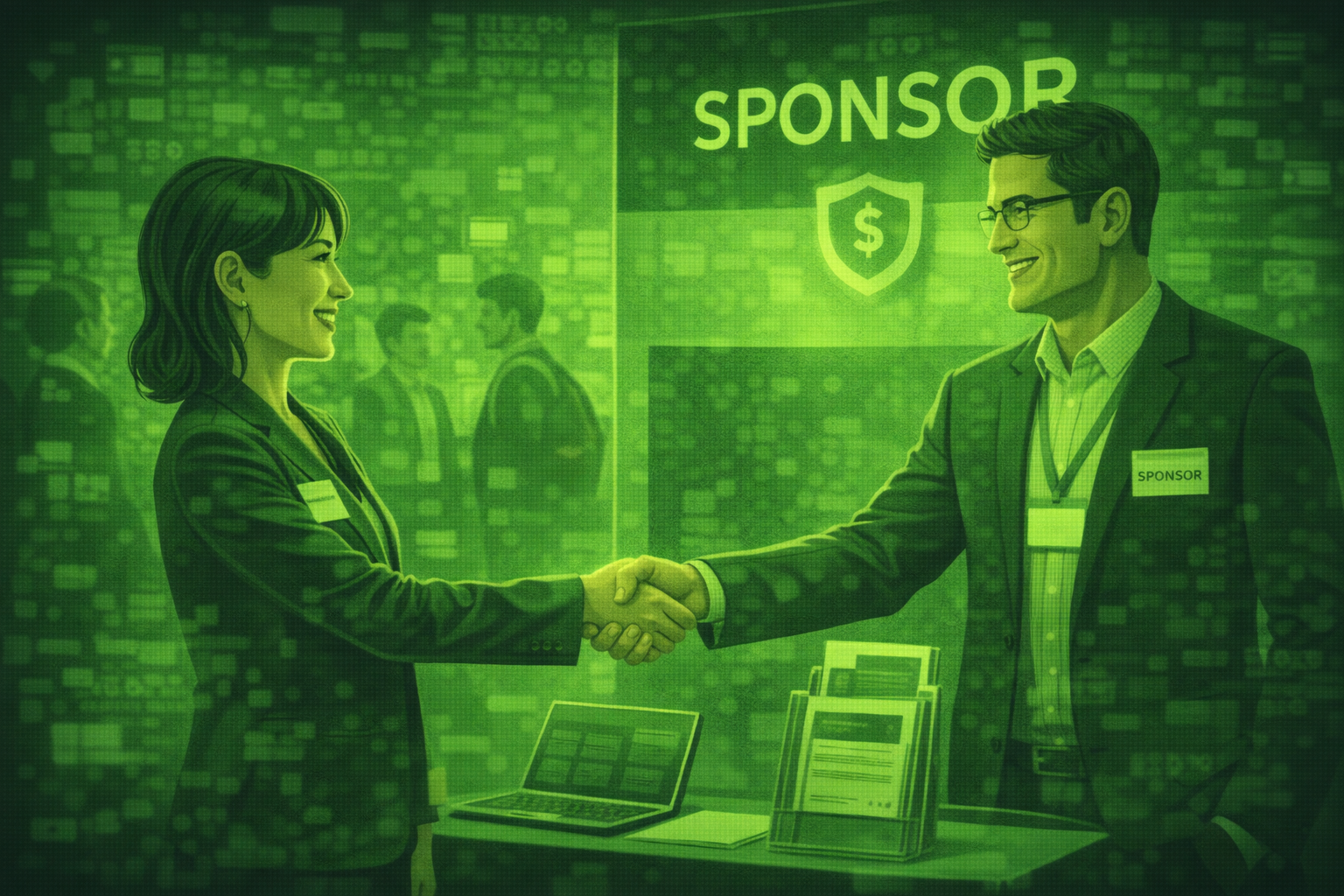
How to Use AI to Find and Pitch Event Sponsors: A Step-by-Step Guide
Use AI to research sponsors, draft outreach, build tiers, and write renewal reports. You still own relationships, pricing decisions, and every send to key accounts.

How to Use AI to Write Event Emails: From Save-the-Date to Post-Event Follow-Up
Learn how to use AI to write every event email from save-the-date to post-event follow-up. Includes 10 copy-ready prompts, a full email timeline table, subject line templates.