Free Run-of-Show Calculator and Template Generator
Add sessions and buffers to build a minute-by-minute show flow you can hand to AV and stage teams.
- Free
- No signup needed
- Works on mobile
Add each block of your programme with start time and duration. The calculator shows end times and flags tight turnarounds. Round to the minute for planning. Your AV lead may still ask for seconds for broadcast segments.
| Session | Start | End |
|---|---|---|
| Registration & coffee | 09:00 | 09:45 |
| Keynote | 09:50 | 10:35 |
| Panel | 10:40 | 11:20 |
Share the table with AV early. A small change on stage can shift breaks, catering, and speaker prep. Print a copy for the stage manager and keep a PDF on a shared drive so everyone references the same version.
How to use this tool
Step 1: Enter the official show start time.
Step 2: Add each session with its length in minutes.
Step 3: Add buffer rows between major blocks if you need changeover time.
Step 4: Export or copy the finished run-of-show.
Why event planners use this
Overruns are expensive. They cut into breaks, stress your crew, and annoy sponsors who bought a fixed slot. A clear run-of-show is how you protect the clock.
Stage teams think in minutes. Catering thinks in service windows. Your table is the bridge. When it is wrong, people improvise and safety slips. When it is right, the day feels calm even when it is busy.
This table is a practical companion to our AI run-of-show guide when you want narrative copy around the same timings.
For hybrid shows, add extra rows for stream tests. Platforms like EventMobi often host the app layer, but your run-of-show still lives in one plain table for the crew.
Use copy-ready ChatGPT prompts to draft stage announcements, then align attendee messages with write event emails with AI so the room and the inbox stay in sync.
Name a show caller or stage lead on the document. When timing slips, one person adjusts the plan and communicates it. If five people “fix” the schedule in parallel, you get five different versions on headsets. Confusion on timing is how injuries and missed cues happen.
Record the final as-run timings after the event. Compare them to your plan. Drift is normal. The gap shows where buffers were too tight or where sessions ran long because of audience questions. That data improves your next show.
Example output
Scenario. A morning conference block with keynote, panel, and coffee break.
Input. Start 09:00. Keynote 45 min. Panel 40 min. Buffer 15 min. Break 25 min.
| Item | Start | End | Notes |
|---|---|---|---|
| Doors and seating | 09:00 | 09:10 | House music low |
| Keynote | 09:10 | 09:55 | Slides checked |
| Turn panel | 09:55 | 10:10 | Chairs and mics |
| Panel | 10:10 | 10:50 | Three speakers |
| Coffee | 10:50 | 11:15 | Sponsor slide loop |
Related guides
Strategic reads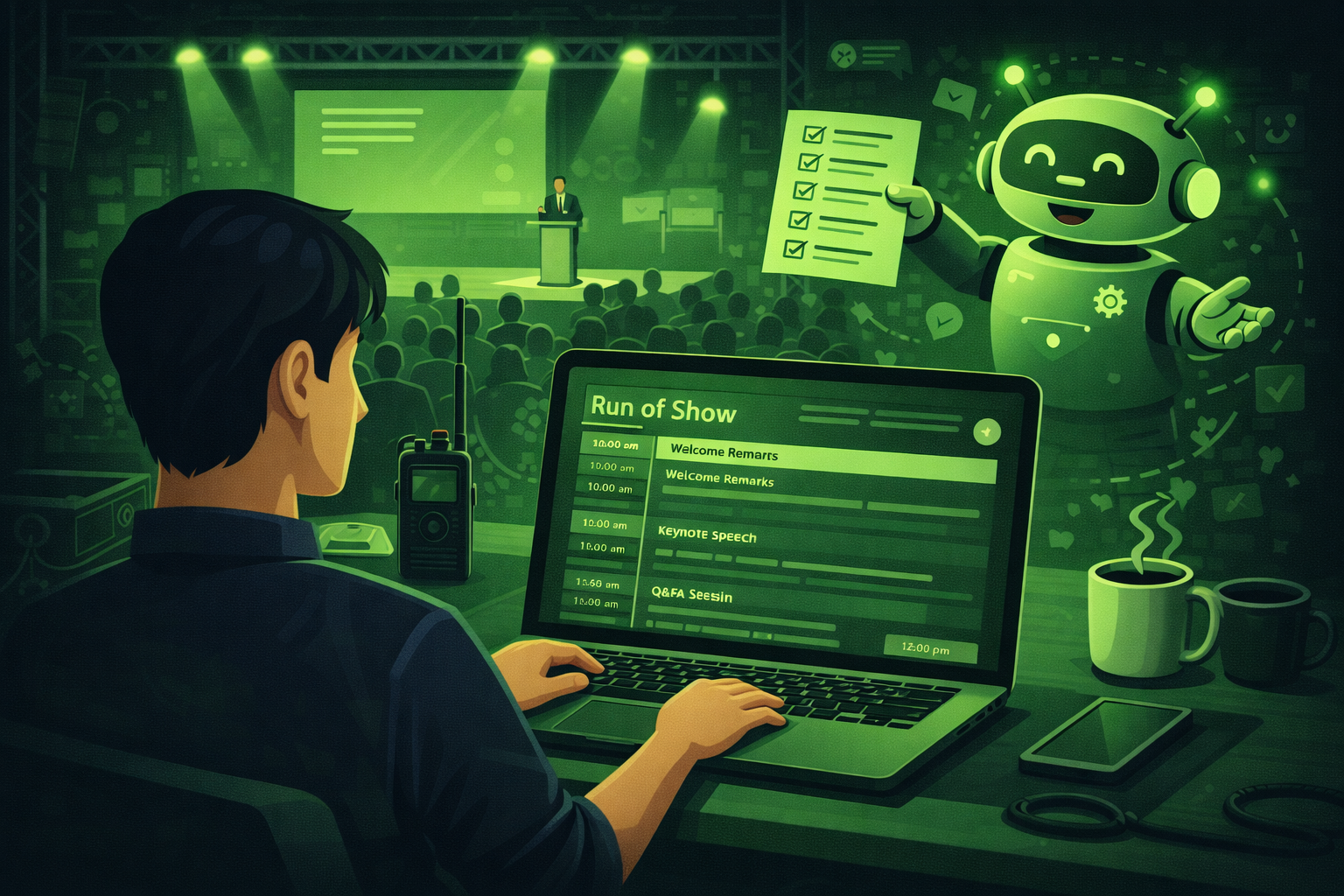
How to Write a Run-of-Show with AI: Save 4 Hours on Every Event
Learn how to write a run-of-show with AI. Includes 6 copy-ready prompts, a sample run-of-show table, an AV cue sheet template, tips for sharing with your team, and backup plan prompts for the day.

How to Use ChatGPT for Event Planning: 15 Prompts That Actually Work
15 copy-ready ChatGPT prompts for event planners covering agendas, run-of-show documents, emails, vendor briefs, risk planning, and post-event reports. Tested, specific, and ready to use today.
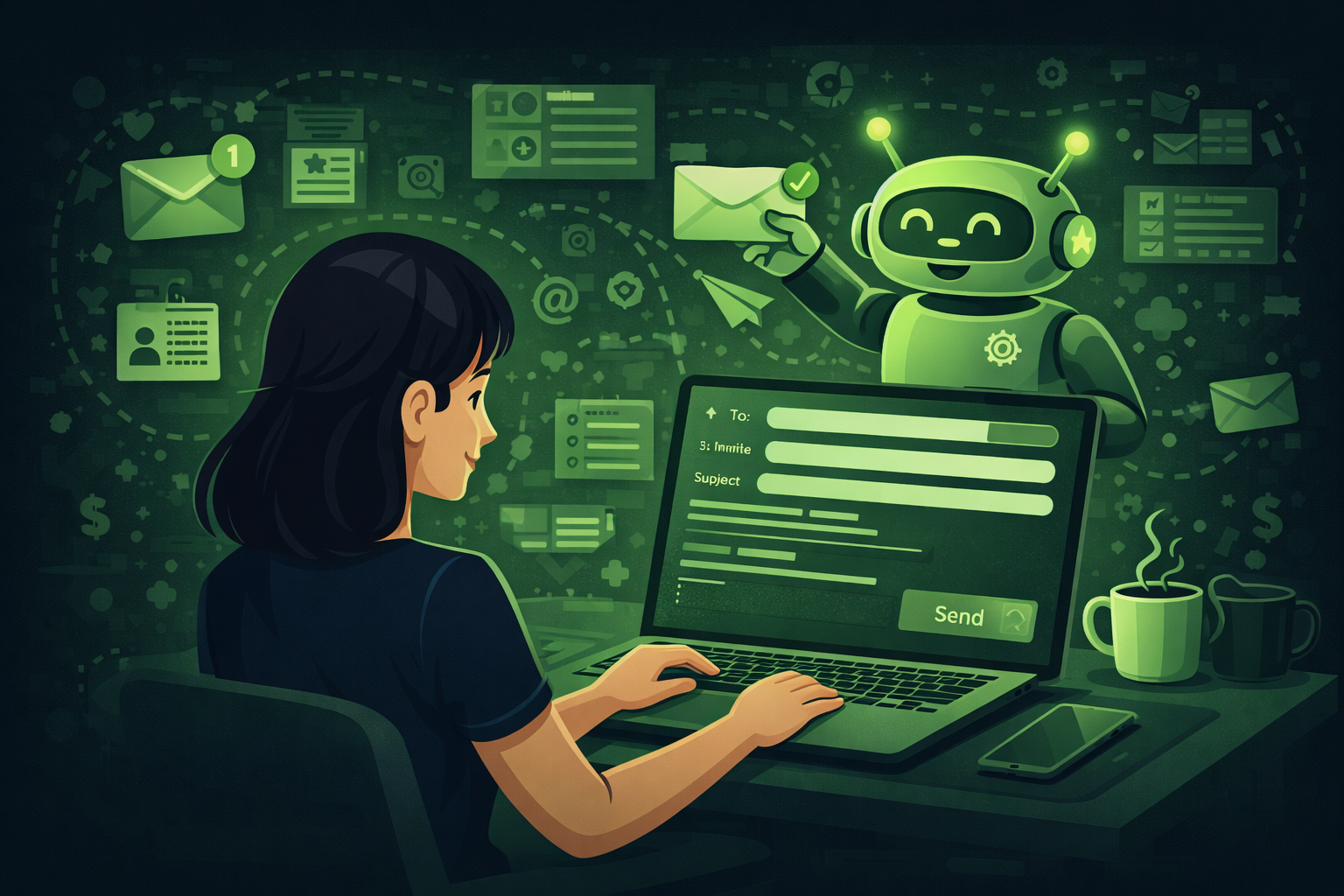
How to Use AI to Write Event Emails: From Save-the-Date to Post-Event Follow-Up
Learn how to use AI to write every event email from save-the-date to post-event follow-up. Includes 10 copy-ready prompts, a full email timeline table, subject line templates.
Frequently asked questions
- What is a buffer row?
- A buffer row is spare time between programme items. It covers changeovers, microphone swaps, slide fixes, and late speakers. If you run back-to-back with no buffer, you rely on perfect execution. Live events are rarely perfect. Buffers protect the audience experience.
- How tight is too tight between sessions?
- If physical setup needs more than five minutes, add a buffer or shorten the prior item. Ask your AV lead what they need for each transition. Dance floors, panel tables, and LED builds all need different windows.
- Should lunch match the run-of-show exactly?
- Yes for service timing. Catering needs a clear window to load plates and clear tables. If lunch runs long, everything after lunch shifts. Tell the kitchen when breaks start and end. Do not assume they will watch the stage.
- Can I use this for awards shows?
- Yes. Add rows for walk-up music, video stings, and trophy paths. Some teams need seconds, not minutes, for broadcast. Share that detail with your director and audio lead.
- What if the client changes the order on site?
- Pause and re-export the table. Hand the new version to stage, AV, and catering. Verbal changes alone are how mistakes happen. One updated document beats five shouted updates.
- Does this replace a production schedule?
- No. This is the show-facing clock. Production may still need cue lists, patch lists, and camera scripts. Those documents serve different roles. Keep them linked by session name so teams stay aligned.
More free event planning tools
-
Free Event Planning Timeline Generator
Work backwards from your event date with phased tasks for planning, production, and follow-up.
Open tool → -
Event Email Send Date Calculator: Free Tool
Plan invitation and reminder sends relative to your event date.
Open tool → -
ChatGPT Prompt Builder for Event Planners
Generate copy-ready prompts for budgets, run-of-show, venue emails, agendas, and reports.
Open tool →